IT Support Orange County

🛠️ IT Support Orange County — Help Desk & Onsite

IT Support in Orange County From Engineers Down the Street

Orange County businesses shouldn’t wait on a provider fighting traffic from LA. Our Irvine office puts engineers minutes from Newport Center, the Irvine Spectrum, and the airport-area industrial parks — with an 8-minute help desk behind them and one flat monthly rate over all of it.

  • Irvine office — same-day onsite across all of Orange County
  • 8-minute average help desk response, live 24/7/365
  • Escalations owned by senior engineers to resolution
  • Onboarding and offboarding handled as a managed process
  • Flat monthly rate, unlimited support, no per-ticket fees
⭐ 5.0 Google RatingMicrosoft PartnerSOC 2 Ready24/7 Live SupportMSP 501 Top 50

Get a Support Response-Time Audit

Send us your current ticket stats. We’ll show you, line by line, where the hours are leaking — within one business day.

8minAvg. Help Desk Response
24/7Live, Staffed Coverage
20+Years Running Help Desks
85%Issues Fixed Proactively
#36MSP 501 Nationally
200+Businesses Protected
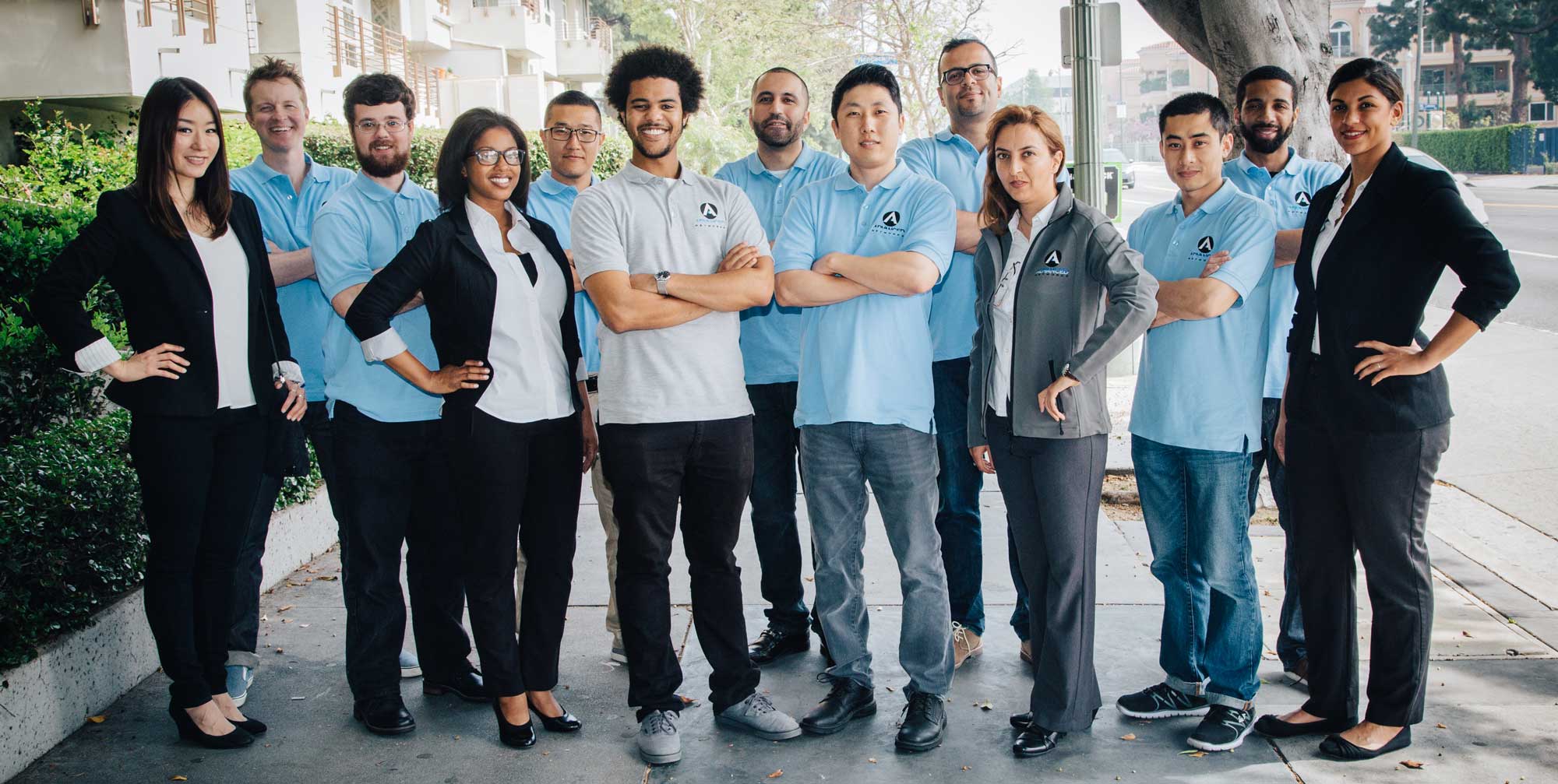
The Advanced Networks team
The Desk That Answers
Eight minutes, any hour
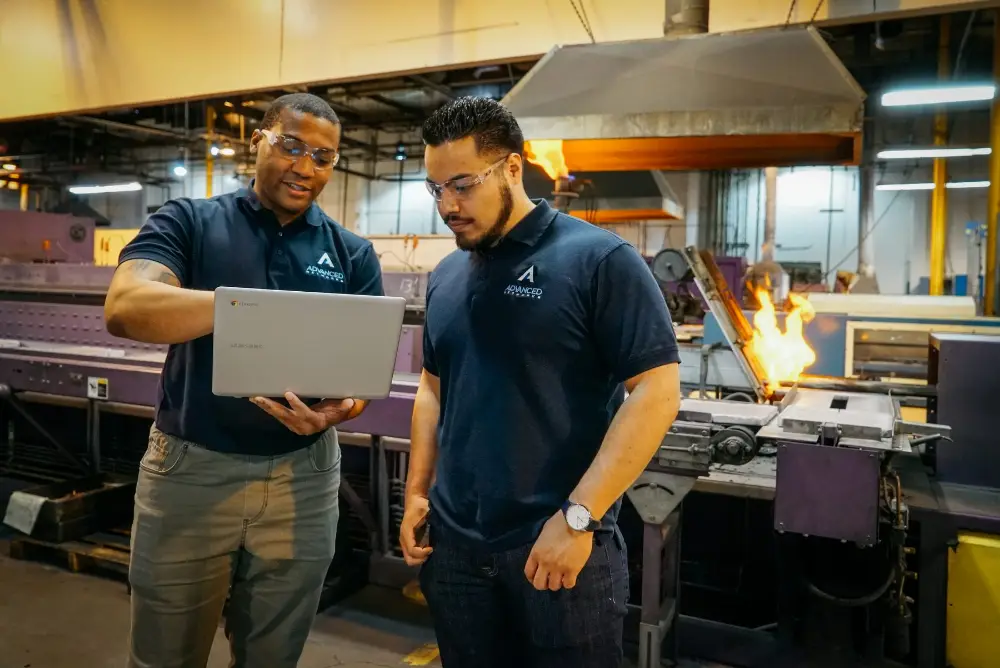
Advanced Networks advisors working with a client
Hands-On When It Counts
Onsite from our Irvine office
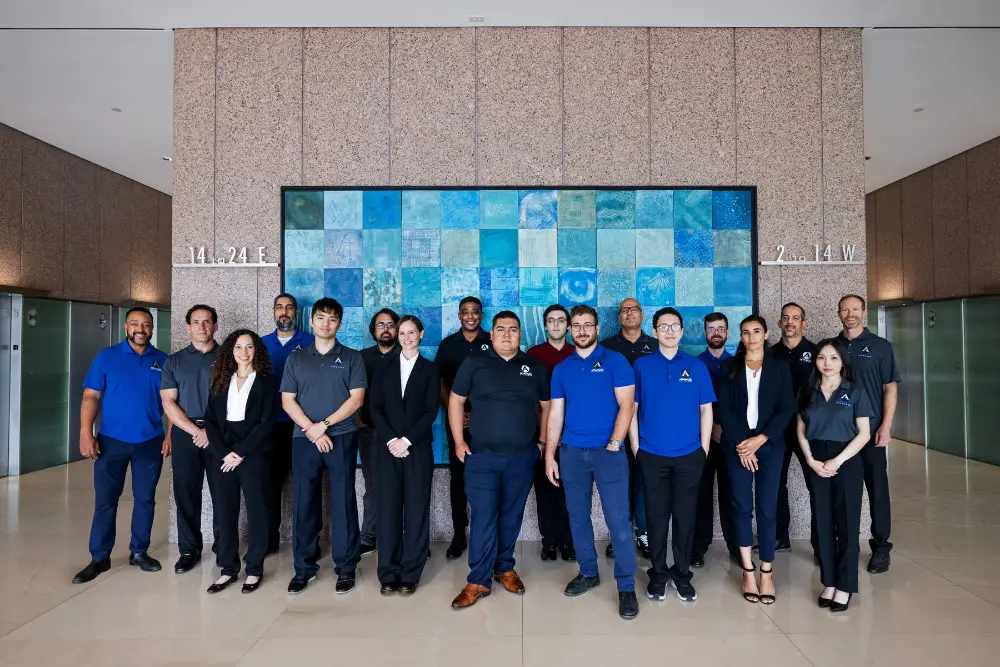
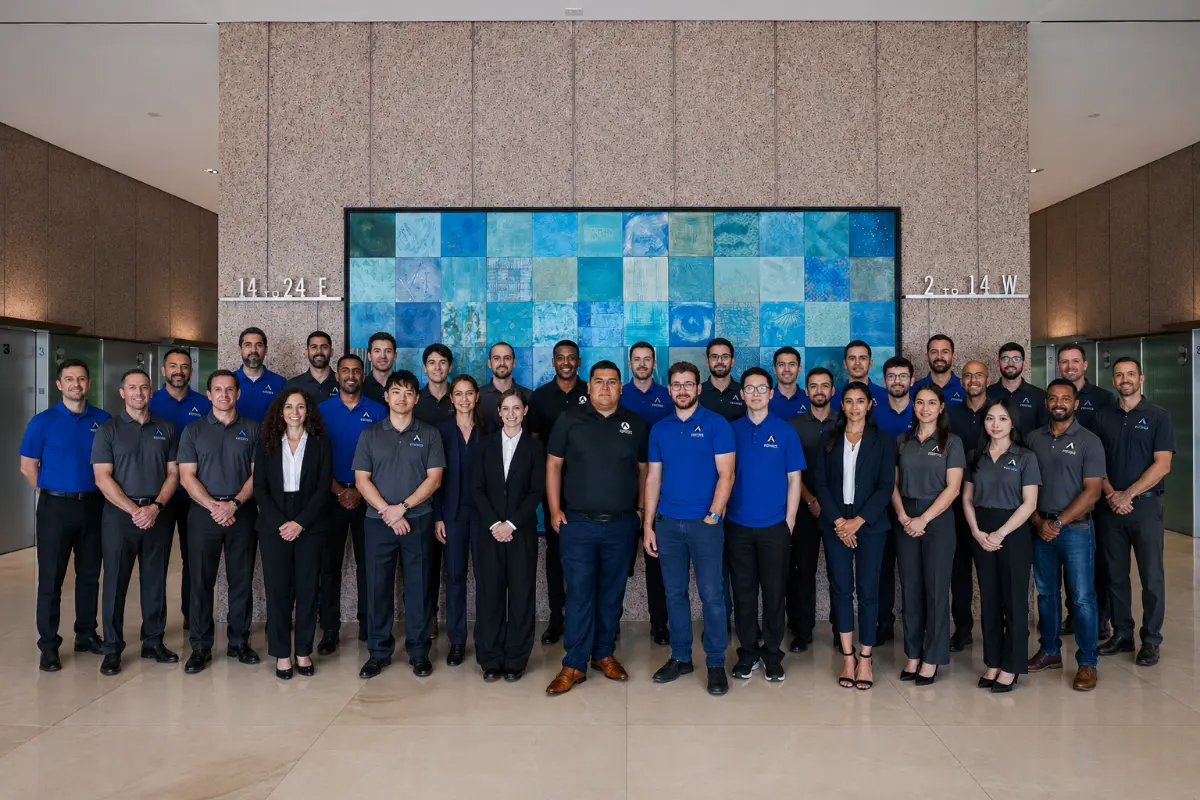
The Advanced Networks engineering team
One Accountable Team
No vendor ping-pong
Built Around Orange County Realities

IT Support for How Orange County Works

Orange County’s economy is its own thing: supply-chain operators in Anaheim and Santa Ana, wealth managers in Newport Beach, medtech and SaaS around the Spectrum, and professional firms filling Class A space from Costa Mesa to Mission Viejo. They all share one expectation — support that shows up.

Our Irvine team works these cities daily. When a wire deadline hits an escrow office in Newport or a line stops in an Anaheim plant, the engineer who arrives has been there before and knows the environment — because we document everything and dispatch locally.

  • Same-day onsite from Irvine to every corner of OC
  • After-hours support staffed for plants and practices that never close
  • Documented environments — any engineer helps instantly
  • One accountable team from Anaheim to San Clemente
8min
Average First ResponseAny hour, any day
<1hr
Urgent Onsite ReachWithin Orange County
85%
Resolved ProactivelyBefore you notice
1
Team AccountableHelp desk to root cause
What Orange County IT Support Includes

Every Layer of IT Support, One Orange County Team

The complete help desk and support stack, tuned for Orange County businesses.

🎧
24/7 Live Help Desk
Live engineers answer in 8 minutes on average, any hour — your Newport closing or Anaheim night shift never waits for morning.
📍
Onsite Support, Citywide
Same-day onsite dispatch from our Irvine office — minutes to the Spectrum, Newport Center, and the airport industrial corridor.
📡
Proactive Monitoring
24/7 monitoring resolves most issues before your team notices — around 85% of tickets never need to exist.
Escalation With Teeth
Senior engineers own tough problems to resolution, with straight communication while they do.
🔑
Onboarding & Offboarding
Hires and departures handled as process: accounts, devices, and access ready on day one, revoked within the hour on exit.
🔒
Security-Aware Support
Every ticket handled with security discipline — verified identities, least privilege, logged changes.
How Support Actually Works

What Each Layer of Support Involves Day to Day

The six layers above describe what you get. This is what the work looks like from the inside — the people, the tooling, and the decisions behind each one.

Layer 01

The 24/7 Live Help Desk

The help desk is staffed, not routed. A call to our Orange County number reaches an engineer who can act, and the current average answer time is about eight minutes, with roughly three-quarters of tickets closed on that first contact. There is no tier-zero script reader whose job is to collect information and pass you along.

Three intake channels feed the same queue: phone, email, and a portal ticket. All three produce an identical record, so a user who calls at 7am and emails a follow-up at noon does not end up with two disconnected tickets and two engineers duplicating work. Every contact is logged against your organization and your site, which is what makes the quarterly reporting meaningful rather than anecdotal.

Unlimited means unlimited. Nobody at our end is counting your tickets, and no manager is incentivized to close yours quickly to protect a metric. The commercial model is flat per user, which removes the conflict of interest that hourly billing creates on both sides of the phone.

Layer 02

Onsite Support, Citywide

Roughly one ticket in eight genuinely needs hands on hardware, and those get an engineer rather than a longer phone call. Our people are based in Orange County, so dispatch is a short drive rather than a scheduling exercise across county lines. Travel and onsite labor sit inside the flat rate — there is no trip charge and no minimum block of hours.

Onsite work splits into two kinds. Reactive dispatch covers the things that cannot be fixed remotely: a dead switch, a failed workstation, a printer that needs physical attention, a user whose problem is simply faster to solve sitting next to them. Planned dispatch covers cabling, hardware refreshes, wireless surveys, and equipment replacement, and is scheduled around your operating hours rather than dropped into the middle of them.

Layer 03

Proactive Monitoring

Monitoring exists so that the majority of problems never become tickets. Agents on servers, workstations, and network equipment report disk health, memory pressure, service failures, backup job results, patch status, certificate expiry, and connectivity. Thresholds are tuned per environment, because an alert that fires constantly is an alert everyone learns to ignore.

Alerts route into the same queue your users’ tickets do, which matters more than it sounds: it means overnight alerts are worked by a person rather than accumulating in an inbox until morning. A failing drive becomes a scheduled replacement instead of a Monday outage, and a backup job that silently stopped succeeding becomes a work order the day it stops rather than the day you need the restore.

Layer 04

Escalation With Teeth

Escalation is a defined path, not a favour. Tier one resolves the majority of contacts at first touch. Tier two picks up anything requiring deeper systems, network, or identity work. Tier three is senior engineering — the people who design the environments in the first place. A ticket that has not moved within its tier’s window escalates automatically rather than waiting for the user to chase it.

The part that makes it work is that escalation carries context. The receiving engineer inherits the full history, the documentation for your environment, and the diagnostic work already done, so you are not asked to re-explain the problem to each new person. Handoffs between shifts follow the same rule.

Layer 05

Onboarding and Offboarding

New-hire and departure requests are the most common recurring tickets in any business and the ones most often handled badly. We work them from a documented checklist agreed with you: account creation, group membership, license assignment, mailbox and shared drive access, device provisioning and enrolment, MFA registration, and a first-day walkthrough for the user.

Offboarding matters more, because it is a security event. Sessions and tokens are revoked, not just the password changed. Mailbox access is delegated or converted, devices are wiped or reassigned, and licenses are reclaimed so you stop paying for seats nobody uses. Each step is logged, which is exactly what an auditor or an insurer asks to see.

Layer 06

Security-Aware Support

Every engineer on the desk works security-first, because the help desk is where most incidents actually surface — a user reporting a strange email, an unexpected MFA prompt, a file that will not open. Identity verification is required before any password or MFA reset, which closes the single most common social-engineering route into a business.

Suspicious reports are treated as detections rather than nuisances: the message is analyzed, the sender and any lookalike domain checked, and if it landed elsewhere in your tenant it is pulled. Support and security are the same team here rather than a desk that escalates to a separate group days later. The wider security program is described under managed cybersecurity in Orange County.

From Call to Closed

How a Support Ticket Actually Moves

Most providers describe their support in adjectives. Here is the actual sequence a request follows, and the rules that govern it, so you can hold us to something specific.

01
Intake
Your user calls, emails, or raises a portal ticket. All three land in one queue against your organization and site. The record captures who reported it, from where, on which device, and what they were doing — the context that stops the first question being “can you describe that again?”
02
Triage and priority
Priority is set by business impact against the matrix below, not by who sounded most urgent. Scope is the first question: one user, one department, one site, or everyone. A single-user issue that blocks payroll on a Friday is not treated as a single-user issue.
03
First-contact resolution
The engineer who answers attempts the fix immediately, with remote access and your environment documentation already in front of them. Around three-quarters of tickets end here. Nothing is passed on simply to clear the phone.
04
Escalation, if needed
Anything unresolved moves to tier two or tier three with its full history attached. Escalation is automatic on time-in-tier rather than dependent on the user chasing it. The receiving engineer inherits the diagnostic work already done.
05
Onsite dispatch, if needed
If the fix needs hands on equipment, an engineer is dispatched rather than the call being stretched out. Travel and onsite time are inside your flat rate. The remote engineer stays on the ticket so nothing is lost in the handover.
06
Resolution and confirmation
A ticket closes when the user confirms it is fixed, not when the engineer believes it is. That distinction is why our first-contact numbers are trustworthy — we are not closing tickets to make a dashboard look better.
07
Documentation and pattern review
The fix is written into your environment documentation so the next engineer does not rediscover it. Recurring tickets are flagged for root-cause work at your quarterly review — five printer tickets a month is a hardware decision, not a support statistic.
PriorityWhat it coversResponse commitment
P1 — CriticalSite-wide or company-wide outage, failed server, downed circuit, suspected security incident, production or shipping stoppedImmediate work start; engineer dispatched to site same day where hands are required
P2 — HighA department or business function blocked; a system degraded enough to stop normal work; a single user unable to work at allRapid response inside business hours, same-day onsite across Orange County if needed
P3 — StandardSingle-user issue with a workaround available, software faults, access and permission requests, recurring nuisancesSame business day in the ordinary queue
P4 — ScheduledNew-hire setup, planned moves and changes, hardware refreshes, project and maintenance workBooked to an agreed date and time with your team

Your agreement carries the specific committed windows for each tier. We report actual performance against them at every quarterly business review, measured from the ticketing system rather than self-assessed — so the commitment is something you can audit rather than something you take on trust.

Inside the Help Desk

Who Answers, and When

Staffing

A Named Team, Not a Rotating Pool

Your account is assigned a primary engineering team rather than dropped into an anonymous pool. The practical effect is that the person answering usually already knows your environment — that your accounting software is particular about a certain print driver, that your Anaheim site has a different switch stack from Irvine, that one director travels constantly and always calls about the same VPN behavior.

That familiarity is deliberately backed up rather than left in someone’s head. Every environment is documented to a standard that lets an unfamiliar engineer work your ticket competently at 3am, which is the difference between a service that survives a resignation and one that quietly degrades after it. Documentation is maintained continuously as part of support work, not written once at onboarding and left to rot.

Coverage

Genuine 24/7/365 Cover, Not a Forwarded Phone

Overnight, weekend, and holiday hours are staffed shifts with engineers who can act, not an answering service taking messages for the morning. Monitoring alerts and user contacts route into the same live queue at 2am as at 2pm. There is no after-hours multiplier, no weekend rate, and no holiday surcharge — the flat rate is the whole rate.

That pricing decision is an operational one as much as a commercial one. Surcharge clauses teach staff to wait until Monday, and problems reported late are almost always more expensive than problems reported early. Removing the surcharge removes the hesitation.

For Orange County manufacturers, logistics operations, and 3PLs running second and third shifts, those hours are simply business hours. Support coverage is identical across them, and scheduled maintenance, patching windows, and cutovers are performed outside your operating hours by default rather than quoted as after-hours project work.

Tooling

What the Engineer Has in Front of Them

Speed on the phone is mostly a function of what the engineer can see. Remote support tools connect to a managed device in seconds without the user hunting for a session code. Alongside that sits the ticket history for that user and site, live monitoring telemetry from the device, the documented configuration for your environment, and asset records covering warranty and age.

The result is that diagnosis usually starts before the user has finished describing the problem. It also means the answer to “has this happened before?” is a lookup rather than a guess, which is how recurring faults get caught and turned into permanent fixes instead of being re-solved every few weeks.

Transition

Taking Over From Your Current Provider

Support coverage starts on day one; you are not asked to wait out a transition period unsupported. The first weeks run in parallel with discovery — inventory of servers, workstations, network equipment and cloud tenants, identity and MFA review, patch and warranty status, and a backup restore that has to actually succeed before we treat the handover as complete.

We plan around uncooperative incumbents, because it is common. Where credentials, documentation, or domain control are slow to arrive, we rebuild what we need rather than letting your service sit in limbo. Your staff get a single short briefing on how to reach us and what to expect — deliberately short, because a support desk that needs training to use is not a support desk.

Boots on the Ground

Onsite Dispatch Across Orange County

Remote support resolves most things. This section is about the rest — when an engineer gets in a vehicle, how quickly, and what it costs you (nothing extra).

When we dispatch

The Decision to Send Someone

An engineer is dispatched when the fix requires physical access or when remote troubleshooting has stopped being the fastest route. Failed hardware, switch and firewall replacement, cabling faults, a workstation that will not boot, a printer or scanner needing physical attention, and network equipment that has dropped off the management network all fall into the first category.

The second category matters just as much and is where most providers get it wrong. If a user has been on the phone for forty minutes on a problem an engineer could resolve in ten minutes at the desk, the right answer is to send someone. Because onsite time is inside your flat rate rather than billed hourly, we have no reason to keep stretching the call — a structural difference from any provider whose revenue rises with time on the phone.

Coverage

The Whole County, One Standard

Our engineers are based in Orange County, so dispatch is a local drive rather than a trip down from another county. Same-day onsite is standard countywide for issues that need it, and critical incidents get an engineer moving while the help desk stays on the line with you rather than after the call ends.

Coverage spans Irvine, Newport Beach, Costa Mesa, Tustin, Orange, Santa Ana, Anaheim, Fullerton, Brea, and Yorba Linda through to Huntington Beach, Mission Viejo, Lake Forest, Laguna Hills, Aliso Viejo, and San Clemente. There is no tiered service map and no zone surcharge: a business in south county gets the same response standard as one ten minutes from our office. Full detail on the areas we cover sits on our managed IT services in Orange County page.

Planned work

Scheduled Visits and Standing Days

Not all onsite work is reactive. Hardware refreshes, office moves and build-outs, structured cabling, wireless surveys, switch and access point replacement, and server work are all booked to an agreed window and, wherever possible, performed outside your operating hours. Manufacturing and warehouse changes are scheduled between shifts rather than mid-production.

Clients with steady onsite needs add a standing visit day — a familiar engineer on site on a predictable schedule, at no change to the rate. Beyond the convenience, it keeps your documentation accurate and surfaces the small physical problems nobody bothers to raise a ticket for, which are frequently the ones that become outages later.

The Advanced Networks Difference

Why Orange County Businesses Switch to Us

We’re not the cheapest IT support in Orange County — we’re the one that answers. Here’s the difference.

01
A Real OC Office
An actual OC office — engineers dispatch from Irvine, not from LA traffic.
02
All-Inclusive Flat-Rate Pricing
One flat monthly fee covers help desk, onsite, monitoring, and projects — busy quarters cost the same as quiet ones.
03
Proactive, Not Reactive
Proactive monitoring keeps your team out of the ticket queue in the first place.
04
Security Built Into Your Flat Rate
Security is included flat-rate on every client — EDR, MDR, MFA, and tested backups, with audit-ready evidence.
05
Two-Decade Depth, Startup Speed
Fluent in OC industries: logistics, medtech, wealth management, escrow, manufacturing.
06
Contract Flexibility
No lock-in contracts — we earn renewal monthly, and 96% of clients give it.
Industries We Serve in Orange County

IT Support for Every Orange County Industry

Support with industry fluency across the OC economy.


⚖️
Law Firms
OC Practices


🏥
Healthcare
HIPAA Compliant


📊
Financial Services
Newport Center & Fintech


🧬
Biotech
Labs & Research


🏠
Real Estate
Brokerages & Devs


🏗️
Construction
Office to Jobsite


🏭
Manufacturing
Producers & Makers


🧾
Accounting
Season-Proof IT


🎓
Private Schools
Full-Campus IT


🤝
Nonprofits
Grant-Ready IT


Working With Us

What Orange County Clients Say About Our IT Support

Orange County clients on what changed after the switch.

★★★★★

“Our fund can’t miss a trading morning. In two years with them, we haven’t — and the one close call was fixed before the market opened.”

Daniel Brooks VP of Operations, Harbor Point Software · Long Beach
★★★★★

“They support our office and our warehouse crew on the same flat rate. Scanner guns, servers, laptops — one call handles all of it.”

GM Distributor, Anaheim
★★★★★

“Switched from an LA provider who billed every visit. Same-day onsite is now just included — and it actually is same-day.”

Rachel Collins Director of Technology, Evergreen Tech Group · Pasadena
Straight Answers

Orange County IT Support FAQ

What OC businesses ask us before signing.

Where is your Orange County office?
1340 Reynolds Ave #116, Irvine — minutes from John Wayne Airport. Onsite dispatch covers all of Orange County same-day. Being based in the county rather than dispatching from Los Angeles is what makes same-day onsite a routine commitment instead of a best effort. Engineers start their day here, which means an afternoon call in Costa Mesa or Anaheim is a short drive rather than a schedule rebuild. It also means the person who configured your network can stand in front of it when that turns out to be the fastest way to solve something.
How fast is your help desk really?
8 minutes average to a live engineer, 24/7/365, with your own numbers reported monthly. That figure is measured from our ticketing system rather than estimated, and roughly three-quarters of contacts are resolved on that first call. More useful than the average is what happens to the rest: anything unresolved escalates automatically on time-in-tier, carrying its full history, so nothing sits waiting for a user to chase it. Your own answer times, resolution times, and ticket volume by category are reported back to you at each quarterly review, so the number you hold us to is yours rather than ours.
Do you cover south OC?
Yes — Mission Viejo, Laguna, San Juan Capistrano, and San Clemente are all inside our same-day dispatch zone. There is no tiered service map and no zone surcharge anywhere in the county. A business in San Clemente receives the same priority handling, the same escalation path, and the same onsite response standard as one ten minutes from our Irvine office. Travel time is inside your flat rate, so distance changes nothing about what you pay or how quickly we come.
Can you take over from our current provider?
Yes — a structured 30-day transition documents everything and moves credentials cleanly, with zero coverage gap. Support coverage begins on day one — you are not asked to wait out the transition unsupported. Discovery runs in parallel: inventory of servers, workstations, network gear and cloud tenants, identity and MFA review, patch and warranty status, and a backup restore that has to actually succeed before we consider the handover complete. We plan around uncooperative incumbents as a matter of course, rebuilding what we need where credentials or documentation are slow to arrive rather than letting your service sit in limbo.
Is onsite support extra?
No. Onsite visits are part of the flat monthly rate — if remote can’t fix it, a technician comes, included. There is no trip charge, no minimum block of hours, and no per-visit fee. That is a structural decision rather than a generous one: when onsite time is billable, a provider has a quiet incentive to keep a user on the phone, and when it is included, the incentive is to solve the problem the fastest way available. If forty minutes on a call could be ten minutes at the desk, we send someone.
Do you support manufacturing and warehouse environments?
Daily — plant-floor networks, scanners, label printers, and the ERP connections behind them are core OC work for us. Plant and warehouse support has requirements an office-only desk tends to miss — wireless that holds through racking and across a tilt-up space, ruggedized scanners and label printers that have to survive a full shift, and segmentation keeping production equipment off general corporate traffic. We also work to your schedule, making changes between shifts or at weekends rather than mid-production. Support for the connections behind ERP, MRP and WMS platforms is part of the same service, including coordinating directly with those vendors.
How do we reach the help desk?
Three ways, all feeding one queue: a direct phone line to a live engineer, email, and a portal ticket. Whichever a user picks produces the same record against your organization and site, so a call at 7am and an email follow-up at noon do not become two disconnected tickets worked by two people. Most users settle on the phone for anything blocking them and email for everything else. There is no separate number for out-of-hours, no different process at 2am, and no requirement that requests come from a nominated contact — anyone on your team can call.
Will we speak to the same engineers each time?
Your account is assigned a primary engineering team rather than dropped into an anonymous pool, so in practice the person answering usually already knows your environment. That familiarity is deliberately backed up rather than left in one person’s head: every environment is documented to a standard that lets an unfamiliar engineer work your ticket competently at three in the morning. It is the difference between a service that survives someone resigning and one that quietly degrades afterwards. Documentation is maintained continuously as part of support work rather than written once during onboarding.
What happens if a ticket isn’t resolved on the first call?
It escalates on a defined path rather than as a favour. Tier one handles the majority at first contact, tier two picks up deeper systems, network, and identity work, and tier three is the senior engineering team who design these environments. Escalation triggers automatically on time-in-tier, so a stalled ticket moves without the user having to chase it. Critically, escalation carries context — the receiving engineer inherits the full history, your environment documentation, and the diagnostic work already done, so nobody asks your staff to explain the problem from the beginning a second time.
How do you decide which tickets get worked first?
Priority is set by business impact against a published matrix, not by who sounded most urgent on the phone. The first question is scope: one user, one department, one site, or everyone. A company-wide outage, a downed circuit, a failed server, or a suspected security incident takes precedence over a single-user inconvenience. But scope alone is not the test — a single-user issue that blocks payroll on a Friday afternoon is not treated as a single-user issue. The committed response window for each tier is written into your agreement rather than left to our discretion.
Is there a limit on how many tickets we can raise?
No. Unlimited means unlimited, and nobody at our end is counting. This matters more than it sounds, because ticket caps and hourly billing quietly train staff to tolerate problems rather than report them — and a tolerated problem is almost always more expensive later than the fix would have been. Because the commercial model is flat per user, there is no point at which raising another ticket costs you anything or works against us. The only thing we track ticket volume for is spotting recurring faults worth fixing permanently.
What happens overnight, at weekends, and on holidays?
Those hours are staffed shifts with engineers who can act, not an answering service taking messages for the morning. User contacts and monitoring alerts route into the same live queue at 2am as at 2pm, so a failed backup job, a downed circuit, or a security detection overnight becomes an active work order immediately rather than a discovery at nine. There is no after-hours multiplier, no weekend rate, and no holiday surcharge. For operations running second and third shifts, those hours are simply business hours and are covered identically.
How quickly can an engineer be on site?
Same-day onsite is the standard across Orange County for anything that genuinely needs hands on equipment, and in practice an engineer is usually on site within a few hours of the call. Critical incidents — a failed server, a downed circuit, a suspected security event — get someone moving while the help desk stays on the line with you rather than after the call ends. Planned work such as cabling, hardware refreshes, wireless surveys, and switch replacement is booked to an agreed window and, wherever possible, performed outside your operating hours.
Do remote and hybrid staff get the same help desk support?
Yes, and with no difference in process or priority. A user working from a home office in Huntington Beach raises a ticket the same way, lands in the same queue, and is triaged on the same impact matrix as someone at a desk in Irvine. Remote support tools connect to a managed device in seconds without the user hunting for a session code, so diagnosis usually begins before they have finished describing the problem. There is no remote-worker surcharge and no separate support tier — the only thing that changes is that onsite dispatch is not an option for a home office.
Can you handle new employee setup and departures?
Both, from a documented checklist agreed with you. Onboarding covers account creation, group membership, license assignment, mailbox and shared drive access, device provisioning and enrolment, MFA registration, and a first-day walkthrough for the user. Offboarding gets more attention, because it is a security event rather than an admin one: sessions and tokens are revoked rather than the password simply changed, mailbox access is delegated or converted, devices are wiped or reassigned, and licenses are reclaimed so you stop paying for seats nobody uses. Every step is logged, which is exactly what an auditor or insurer asks to see.
Can you provide help desk support alongside our internal IT?
Yes — taking the help desk load off an internal team is one of the most common arrangements we run in Orange County. Your internal person or team keeps applications, vendor relationships, and project work; we absorb the interrupt-driven volume that stops them finishing anything, plus after-hours and holiday cover they cannot reasonably staff for. Who owns what is written into a responsibility matrix before we start, with named escalation paths in both directions, so nothing falls into the gap between the two teams. The commercial structure for shared arrangements is covered under co-managed IT.
How do you verify identity before a password or MFA reset?
Identity is verified against an agreed procedure before any credential or MFA change, without exception and regardless of who is asking or how urgent they claim it is. This closes the single most common social-engineering route into a business — a convincing call to a help desk claiming to be a travelling executive locked out before a meeting. The verification method is agreed with you during onboarding rather than improvised, and it applies to your leadership team exactly as it applies to everyone else. Engineers are explicitly backed in refusing a reset that fails verification.
What reporting do we get on support performance?
Quarterly business reviews show actual answer times, resolution times, first-contact resolution rate, and ticket volume broken down by category and by site — pulled from the ticketing system rather than self-assessed, and reported against the commitments in your agreement so you can audit them rather than take them on trust. The more useful half of the review is the pattern analysis: recurring tickets are flagged for root-cause work, because five printer tickets a month is a hardware decision rather than a support statistic. Those findings feed the technology roadmap under your managed IT services agreement.

Advanced Networks — Orange County Office · 1340 Reynolds Ave #116, Irvine, CA 92614 · (949) 266-5170 · Open 24 hours

Explore the rest of our Orange County services: Managed IT Services · Cybersecurity · Cloud Services · Network Support · IT Consulting — or compare with our IT support in Los Angeles.
Get Started Today

Stop Waiting on Hold for Your Own IT Support

Get Orange County IT support that answers in minutes and arrives the same day — from an Irvine team, at one flat rate.