
Your IT Team Is Good. It Just Can’t Be Everywhere.
One or two internal IT people cannot cover 24/7 monitoring, vacations, security operations, a help-desk queue, and a server migration at the same time — nobody can. Co-managed IT keeps your team exactly where they are and adds what they are missing: after-hours coverage, enterprise tooling, a second set of hands for projects, and a security operation behind them. Not a replacement. Reinforcements.
- Your team stays in charge — we plug into their priorities, not the reverse
- 24/7 help desk and monitoring coverage for nights, weekends, and PTO
- Enterprise tooling included: RMM, EDR, PSA, documentation platform
- Project capacity on demand: migrations, buildouts, rollouts
- Security operations (MDR, patching, backups) run behind your team
Built for Internal IT Teams
Tell us what your team owns and where it hurts. We will map a co-managed split within two business days.
Thanks — you’re in good hands.
A local team member will reach out within 1 business hour.

A Division of Labor, Not a Turf War
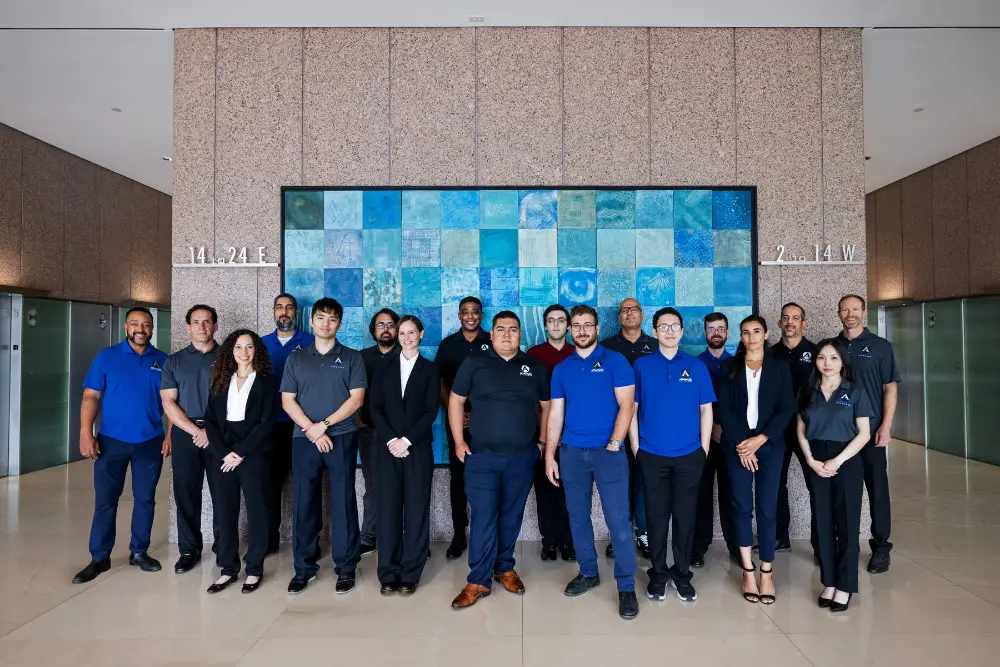
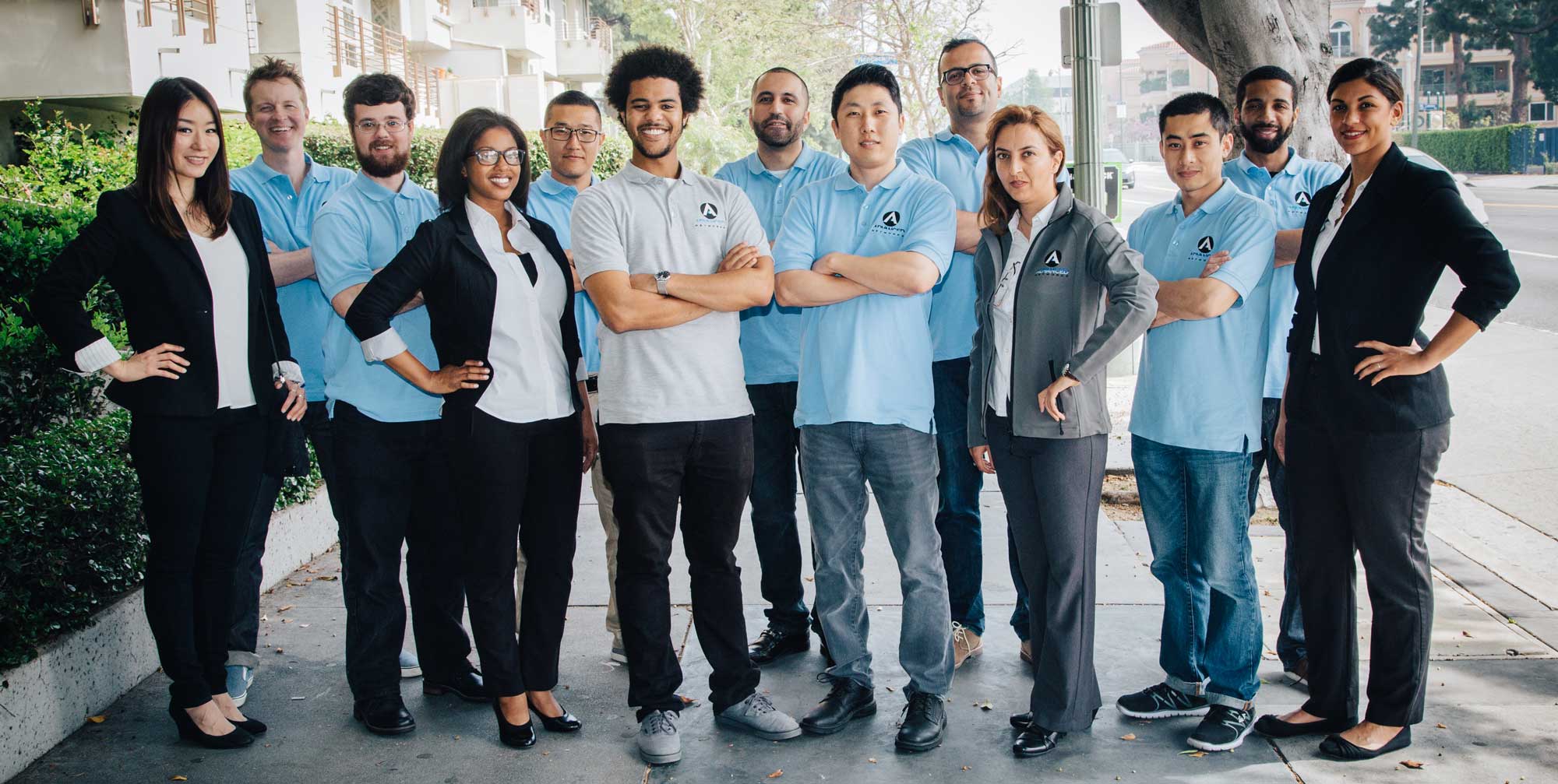
Every co-managed engagement starts by drawing the line together: your team keeps what they do best and want to own (usually line-of-business apps, user relationships, and day-to-day priorities), and we take what burns them out — the 2am alerts, the patch cycles, the ticket overflow, the security stack, the documentation nobody has time to write. The split is written down, so there is never confusion about who owns what.
Your IT lead gets our full toolchain as part of the deal: the same RMM, EDR, documentation, and ticketing platforms we run — tools that would cost more than a salary to license alone. They also get an engineering bench to call: when a migration lands or a switch stack dies during their vacation, they are not alone with it. IT directors describe it as finally having a department instead of being one.
A representative finding from a recent engagement: a mid-sized firm’s scanner report buried a critical item at position 212 — an internet-reachable legacy VPN appliance with a known exploited vulnerability. CVSS scoring alone ranked hundreds of internal items above it. Exploitability-based ranking put it first, and it was patched the same week. That is the difference prioritization makes.
- Written responsibility matrix — no ambiguity, no stepped-on toes
- Your team gets full access to our enterprise tool stack
- We answer to your IT lead, and report to them, not around them
- Scale coverage up or down as your internal team grows
The Expertise Your IT Team Can Tap Into
The economics of internal IT force good people to be generalists. A two-person team cannot justify a full-time identity architect, a firewall engineer, and a disaster recovery specialist — but over any given year it will need all three. That is the real gap co-managed closes: not more hands on the ticket queue, but depth your team can pull in the moment a problem outgrows the org chart.
Our bench does this work every week, across more than two hundred environments: Entra ID and Conditional Access designs that tighten access without locking an executive out mid-trip; Intune deployments with real configuration baselines, Autopilot, and application packaging; tenant-to-tenant and on-prem-to-cloud Microsoft 365 moves with tested rollback plans; VMware and Hyper-V clusters that get right-sized instead of over-bought; hybrid environments that span on-prem, Azure, and AWS without becoming three separate mysteries; Cisco switching and VLAN segmentation; Fortinet and Palo Alto rulebases cleaned of ten years of “temporary” exceptions; disaster recovery plans with restore tests on a calendar instead of a wish list; and compliance programs — HIPAA, SOC 2, CMMC — where evidence collection is running before the auditor asks for it.
When one of these lands on your desk, you do not need a headcount req, a recruiter, or a six-week consultant scoping exercise. You call the bench you already retain.
Who Owns What — In Writing
A representative split. Yours is drafted with your IT lead during onboarding and revisited every quarter as the team and the environment change.
| Your Internal IT Keeps | Advanced Networks Takes |
|---|---|
| Executive support | 24/7 help desk |
| User relationships | Monitoring & alert triage |
| Business applications | Patch management |
| Vendor management | Security operations |
| IT strategy | Backups & restore testing |
| Roadmap & budget | Disaster recovery |
| Escalation decisions | Senior engineering bench |
Our goal isn’t to replace your IT department. It’s to make your IT department feel like it doubled in size.
Pick the Pieces — It Is Modular
Co-managed is a menu, not a bundle. Most teams start with one or two and expand.
What IT Directors Get Out of Co-Managed
The honest version, from the internal-IT point of view.
Everything We Do Is Documented
Ask an IT manager who has inherited an MSP relationship what the handover looked like, and you will usually hear the same story: tribal knowledge, a stale Visio, and a password spreadsheet nobody fully trusts. We run the opposite model. Every environment we co-manage lives in our documentation platform from day one, and your team has full access — read and write — for the life of the engagement.
Nothing we build becomes a black box. Every change we make is ticketed and logged with who, what, when, and why. Your team keeps visibility and ownership of every system we touch — and if the engagement ever ends, the documentation leaves with you.
How We Work With Your Team
Co-managed fails when it is just a ticket queue with two logos on it. It works when it runs on a fixed operating rhythm — so that is how we run it.
IT for Every Southern California Industry
Law, healthcare, finance, media, manufacturing, nonprofits — 20+ years running IT for the businesses that run LA, OC, and SF.
What Clients Say About Our Support
Internal IT leaders — and the executives who fund them — on how co-managed plays out.
“They became our Tier 3 team. I ran IT alone for 140 users — now patching, backups, and after-hours just happen, and when something lands outside my depth, I know exactly who to call.”
“The transition month was the tell: everything documented, nothing lost, tickets closing same-day by week two.”
“They became an extension of my department — and in three years they have never once gone around it. My engineers kept the users and the roadmap; Advanced Networks took the queue, the patch cycles, and the 2am pages.”
Co-Managed IT FAQ
What LA owners ask before outsourcing IT.
Why IT Managers Recommend Us
Our longest co-managed relationships are measured in years, not contract cycles — and they last for one reason: we make internal IT teams stronger, not smaller. The on-call rotation stops eating weekends. The specialist problems have a number to call. The projects that kept sliding to next quarter actually ship.
That is why the recommendation usually comes from the IT manager, not the CFO. A team that looks bigger, sleeps better, and finally has time for strategic work instead of constant firefighting does not need to be sold twice.
Advanced Networks — Managed IT Services · Los Angeles · Orange County · San Francisco · (213) 873-7620
Explore the full stack: Managed IT Services · IT Support & Help Desk · IT Consulting & vCIO · Cloud Services (Microsoft 365 & Azure) · Network & Infrastructure · Hardware as a Service · Managed Cybersecurity · Backup & Disaster Recovery
This service in your city: Managed IT Services Los Angeles · Managed IT Services Orange County · Managed IT Services San Francisco
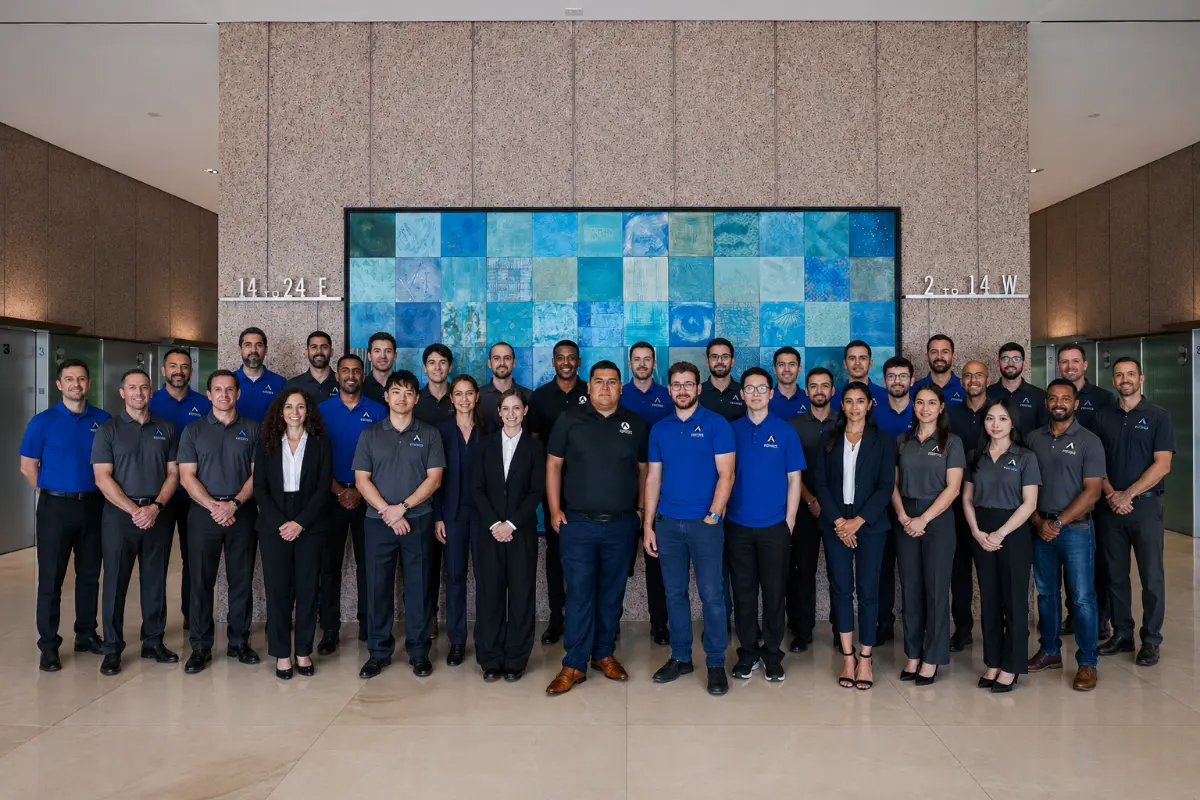
Your IT Lead Deserves a Department
Bring your IT lead to the call — this only works if they want it. Free co-managed assessment: we map what your team owns, where the gaps are, and what reinforcements cost. Two days, no pressure.