Microsoft 365 Managed Services in Los Angeles

🧭 The Microsoft Practice

Microsoft 365 Managed Services

Most businesses run on Microsoft 365. Almost none of them have someone who actually runs Microsoft 365. We’re that someone — administration, licensing, security, and strategy from one accountable team.

  • Full tenant administration — users, mailboxes, policies, updates
  • Licensing matched to real usage, reviewed every quarter
  • Security and backup gaps closed before they bite
  • A roadmap for Teams, SharePoint, Intune, and Copilot
  • Engineers in LA, Orange County, and San Francisco — not a queue
⭐ 5.0 Google RatingMicrosoft PartnerSOC 2 Ready24/7 Live SupportMSP 501 Top 50

Free IT Assessment

No obligation. We evaluate your environment and deliver a clear action plan within 24 hours.

20+Years in Business
8minAvg. Response Time
99.9%Uptime Guarantee
0hrsContracted Downtime
#36MSP 501 Nationally
#4MSP in California
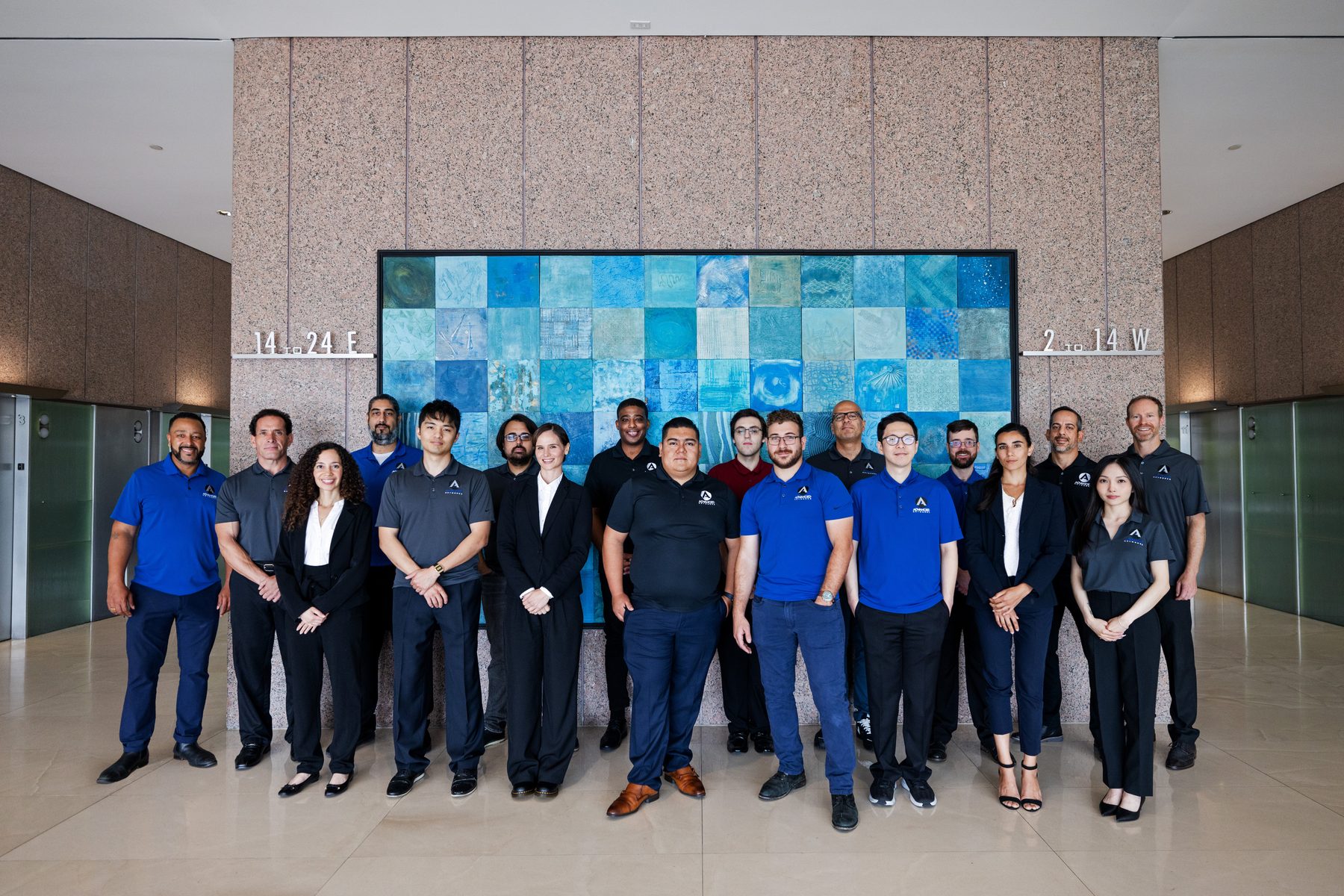
Local Crew — Advanced Networks

Local Crew
California-based, no offshoring
Backup & Recovery — Advanced Networks

Backup & Recovery
Restores proven, not promised
24/7 Monitoring — Advanced Networks

24/7 Monitoring
Issues caught before tickets
Who Owns Your Tenant?

The Platform Everyone Uses, Nobody Manages

Microsoft 365 has quietly become the operating system of your business — email, files, meetings, identity, and now AI. Yet in most companies it’s administered by whoever set it up years ago, in whatever way got things working that week. Licenses accumulate, settings drift, and nobody can say for certain who has access to what. Advanced Networks runs Microsoft 365 as a managed discipline: one team accountable for administration, licensing, security posture, and where the platform goes next.

Headquartered in Los Angeles with offices in Orange County and San Francisco, we’ve built our Microsoft practice over 20+ years of running tenants for Southern California and Bay Area businesses — and it shows in the details.

  • Day-to-day administration with documented change control
  • Quarterly licensing reviews tied to actual usage
  • A security baseline that’s maintained, not just installed
  • A Microsoft roadmap your leadership can actually read
20+
years running the Microsoft stackDepth
3
offices — LA, Orange County, SFLocal Coverage
1
team for licensing, support, and strategyAccountability
24/7
tenant monitoring and live supportAlways On
What We Deliver

Everything Microsoft, One Team

The six disciplines of a well-run tenant — each one owned, none left to chance.

🛠️
Administration & support
User lifecycle, mailbox and group management, policy changes, and Microsoft escalations — plus a help desk that answers in minutes. The unglamorous work that keeps 365 boring in the best way.
💳
Licensing & cost control
Business Premium vs. E3 vs. E5, add-ons, and true-ups mapped to what your people actually use. Most tenants we take over are overspending; we find it at the first review.
🛡️
Security & compliance posture
MFA, Conditional Access, Defender, and Secure Score managed as an ongoing program, not a one-time setup. Deep dive: Microsoft 365 security.
💻
Device management
Windows, Mac, and mobile enrolled and compliant through Microsoft Intune management — every device accounted for, from hire to retire.
🚚
Migrations & tenant changes
Moving from Exchange, Google Workspace, or another tenant — planned and executed without lost mail or lost weekends. See Microsoft 365 migration.
🤖
Modern work & AI
Teams, SharePoint, and Copilot rolled out with governance and adoption — so the tools get used, not just licensed.
The Patterns

What an Unmanaged Tenant Looks Like

The six findings we see in almost every first assessment.

01
Licenses nobody can explain
Paying for E5 features no one has opened, and seats for people who left.
02
Too many global admins
Five people with keys to everything, none with change control.
03
Set-and-forget settings
A tenant configured once in 2019 and never revisited since.
04
Offboarding by memory
Ex-employees with live mailboxes and active sign-ins months later.
05
Workloads bought, never deployed
Teams Phone, Intune, and Purview sitting idle inside licenses you already own.
06
No single owner
The vendor blames Microsoft, Microsoft blames the vendor, and tickets die in between.
The Configuration

One Tenant, Every Workload

The full Microsoft 365 surface, managed as one platform.

📧
Exchange Online
Mail flow, managed
🗂️
SharePoint
Files & intranet
☁️
OneDrive
Personal storage
💬
Teams
Chat, meetings, voice
🪪
Entra ID
Identity & access
💻
Intune
Devices & apps
🛡️
Defender
Threat protection
🏷️
Purview
Data governance
Copilot
AI, governed
💳
Licensing
Right-sized quarterly
Real Outcomes

What Ownership Changes

Three tenants before and after getting a real owner.

01
The $2,900-a-month licensing haircut
A 90-person professional services firm was carrying E3 for everyone plus duplicate add-ons. Usage-mapped licensing cut spend by roughly a third — funding the management fee with room to spare.
02
Takeover with no keys
When an IT manager left one client with no documentation, we recovered admin control, mapped the tenant, and delivered the first accurate access report their leadership had ever seen.
03
Three offices, one standard
A firm with Los Angeles, Irvine, and San Francisco locations had three different sharing policies and no common baseline. We standardized the tenant so every office works — and is secured — the same way.
Frequently Asked Questions

Managed Microsoft 365, Explained

What owners and office managers ask us first.

What’s included in Microsoft 365 managed services?
Administration, user changes, licensing management, security posture, monitoring, and support for the full suite — plus a roadmap for what to adopt next. It’s the whole platform, owned.
We already have an IT person. Where do you fit?
Comfortably — many clients pair an internal generalist with our Microsoft depth under a co-managed IT arrangement. They keep the day-to-day; we own the tenant.
Do you replace Microsoft support?
Effectively, yes. You call us; if an issue needs Microsoft, we open and manage the escalation through partner channels — you never sit in that queue.
Can you supply our licenses, or do we keep our agreement?
Either. We can provide licensing as a Microsoft partner, usually at or below your current pricing, or manage what you purchase directly — no forced switch.
How do you take over an existing tenant?
With a structured assessment: admin access, licensing, security posture, and configuration debt. You get written findings before anything changes — then we fix in priority order.
Is this different from your cloud services?
Yes — cloud services covers infrastructure like Azure, hosting, and virtual desktops. This is the dedicated practice for everything inside Microsoft 365 itself.

Go deeper: Microsoft 365 Migration · Intune Management · Microsoft 365 Security · SharePoint Consulting · Teams Consulting · Copilot Consulting · Cloud Services

Get Started Today

Ready for a Tenant With an Owner?

A free Microsoft 365 assessment maps your licensing, security posture, and admin risk — clear findings, in writing, within 24 hours.