Cloud Services | Microsoft 365, Azure & Cloud Migrations

☁️ Cloud Services — Microsoft Azure · AWS · Hybrid Cloud

Cloud Services Los Angeles

Advanced Networks designs, migrates, secures, and manages cloud environments for businesses across Los Angeles and Southern California. Microsoft Azure and AWS infrastructure, hybrid environments that span your server room and the cloud, zero-downtime migrations — and the monitoring, security, and cost discipline that keeps it all running. One local team, accountable for the whole environment.

  • Microsoft Azure design, migration, and fully managed operations
  • AWS architecture, security, and cost control — same team, same standards
  • Hybrid cloud: on-prem servers, Microsoft 365, Azure, and AWS run as one environment
  • Migrations with tested rollback plans — cutover on weekends, not business hours
  • Cloud cost optimization that typically recovers 15–30% of monthly spend
⭐ 5.0 Google RatingMicrosoft PartnerSOC 2 Ready24/7 Live SupportMSP 501 Top 50

Get a Cloud Assessment

Your Azure, AWS, or hybrid environment reviewed — security posture, resilience gaps, and cost creep — report within one week, free.

200+Cloud Deployments Managed
24/7Cloud Monitoring & Response
20+Years Running Infrastructure
8minAvg. Help Desk Response
#36MSP 501 Nationally
85%Issues Fixed Proactively
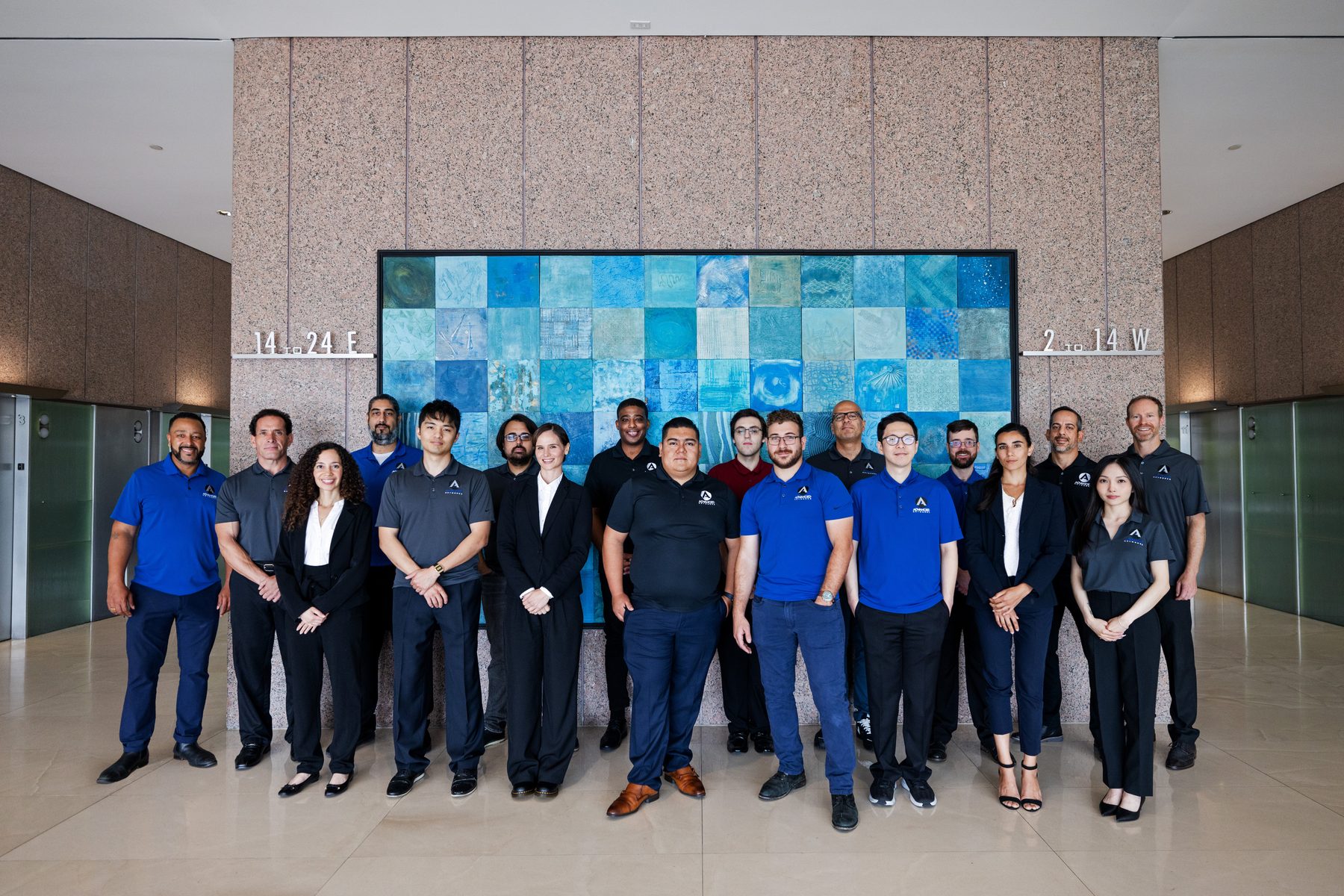
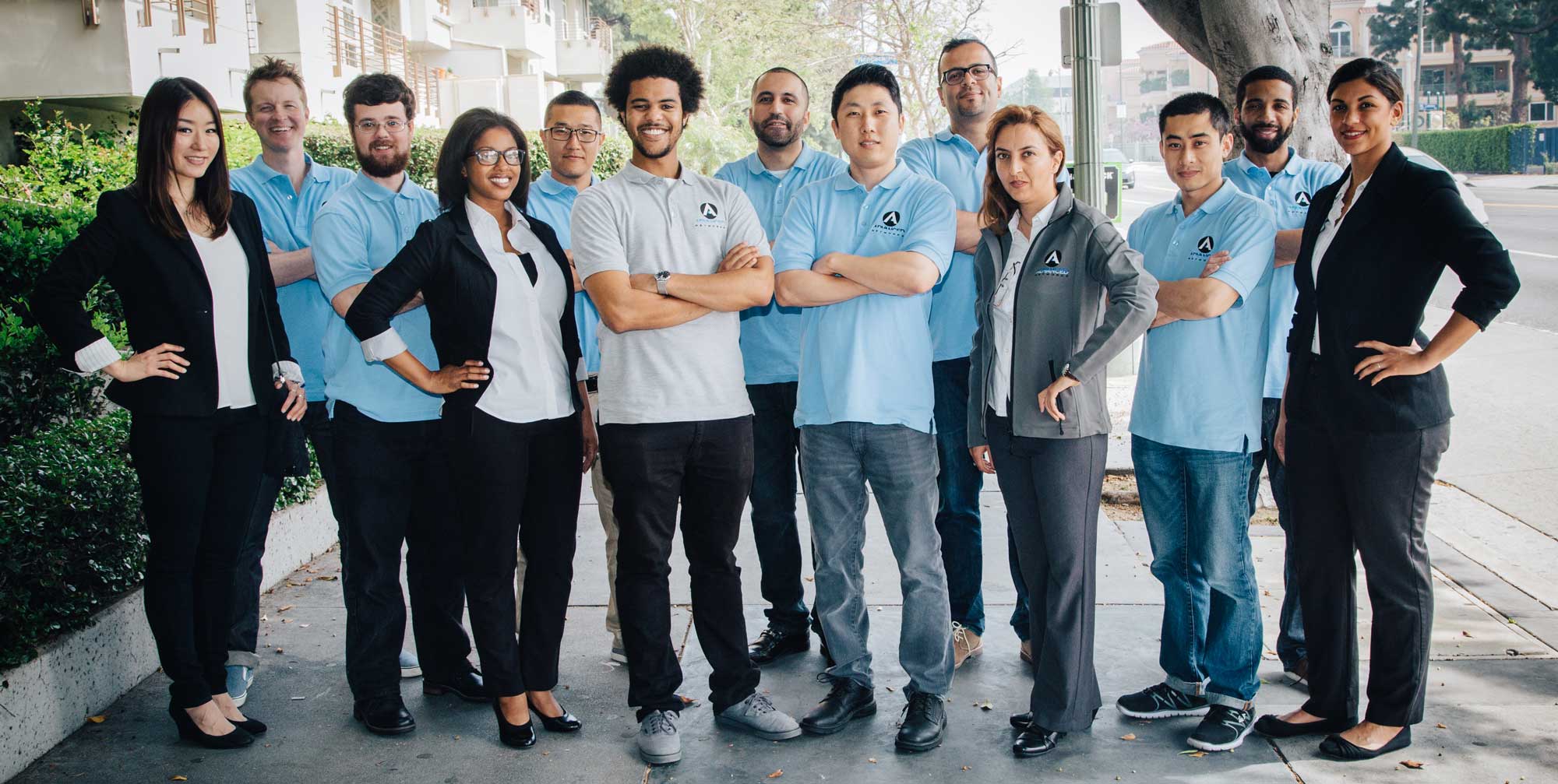
The Advanced Networks cloud engineering team

The Desk That Answers
Eight minutes, any hour
Advanced Networks advisors planning a cloud migration with a client

Hands-On When It Counts
Onsite from our Westwood office
The Advanced Networks engineering team

One Accountable Team
No vendor ping-pong
The Cloud, Run Properly

Modern Cloud Services for Growing Businesses

Most Los Angeles businesses aren’t deciding whether to use the cloud anymore — they’re living with the results of how it was adopted. A tenant set up by whoever was around at the time. Workloads lifted into Azure or AWS during a crunch and never revisited. An office server that never quite retired. A monthly bill that grows a little every quarter and answers to no one. It all works — and it’s slower, less secure, and more expensive than it should be.

We turn that accumulation into architecture. Advanced Networks designs, migrates, secures, manages, monitors, and optimizes cloud environments — as a standalone cloud engagement or as one layer of our managed IT services in Los Angeles. Strategy and daily operations come from the same local engineers, so the roadmap survives contact with reality.

Already have internal IT? We slot in as the cloud bench through our co-managed IT model — your team keeps what they want to own, we take the platform work.

  • Cloud strategy, architecture, and roadmaps tied to business outcomes — not vendor quotas
  • Migrations with runbooks, tested rollback plans, and off-hours cutovers
  • Identity, security baselines, and compliance built in from day one
  • Quarterly cost reviews that treat your cloud bill like it’s our own money
15-30%
Typical Cloud SavingsFound in the first cost review
0
Downtime Cutover TargetMigrations run nights and weekends
99.9%
Uptime GuaranteeBacked by 24/7 monitoring
3
California OfficesLA headquarters, Orange County, San Francisco
Our Primary Platform

Microsoft Azure Services

Microsoft is our center of gravity. The same practice that runs Microsoft 365 managed services architects and operates Azure — so your identity, productivity tenant, and infrastructure stop being three separate problems with three separate owners.

Azure Virtual Machines
Windows and Linux servers designed, migrated, patched, and monitored — sized against real usage data instead of a guess made under deadline.
Azure Virtual Desktop
Secure desktops in the cloud for remote staff, contractors, and compliance-heavy roles — new users onboarded in hours, data that never leaves the environment.
Azure Networking
Virtual networks, VPN gateways, ExpressRoute, and firewalls — segmented, documented, and built so your cloud and your offices behave like one network.
Entra ID & Hybrid Identity
One identity spine: single sign-on across your apps, MFA and Conditional Access everywhere, automated onboarding and offboarding — including hybrid setups that still sync from on-prem AD.
Azure Backup & Site Recovery
Backup and replication with failover that gets tested, not assumed — recovery time and recovery point objectives in writing.
Defender for Cloud
Security posture management across subscriptions — with the hardening recommendations actually enacted, not just exported to a PDF nobody reads.
Azure Monitoring
Azure Monitor and Log Analytics with sane baselines — alerts routed to a 24/7 staffed team, not an inbox that fills up overnight.
Azure Cost Optimization
Reservations, Azure Hybrid Benefit, right-sizing, budget alerts, and quarterly reviews — the bill gets an owner and a downward trend.
Hybrid Azure Environments
Azure Arc, Azure File Sync, and hybrid identity — Azure extended into your server room where that makes sense, not forced to replace it.
Multi-Cloud, One Team

AWS Expertise

Microsoft is our primary ecosystem — but plenty of Los Angeles businesses run on AWS, inherit it through an acquisition, or land there because a line-of-business application demands it. We architect, secure, and manage AWS environments to the same standard as everything else we run: monitored around the clock, patched on schedule, backed up independently, and cost-reviewed quarterly.

If you run both clouds, that’s not a problem to apologize for — it’s Tuesday. One team, one security baseline, one monthly review covering the whole footprint.

  • AWS architecture reviews and Well-Architected cleanups of inherited environments
  • EC2 compute right-sized against actual utilization
  • S3 storage with lifecycle rules, encryption, and access policies that close public buckets
  • VPC design, security groups, and IAM tightened to least privilege
EC2
ComputeRight-sized, patched, and monitored
S3
StorageLifecycle rules, encryption, no public buckets
VPC
NetworkingSegmented, documented, locked down
IAM
SecurityLeast-privilege access, backup, and 24/7 monitoring
Where Most Businesses Actually Live

Hybrid Cloud Solutions

The average LA mid-market business isn’t “in the cloud” — it’s in four places at once: a server room, Microsoft 365, some Azure, maybe some AWS. Hybrid isn’t a failure to finish migrating. Run properly, it’s the right answer — and running it properly is the hard part.

On-Prem Servers
Domain controllers, file servers, and line-of-business apps that still earn their rack space — patched, monitored, and backed up alongside the cloud.
Microsoft 365
Email, files, and Teams — governed and secured under our Microsoft 365 practice, tied into the same identity and backup strategy.
Microsoft Azure
Servers, desktops, and workloads that outgrew the office — running in the same identity, security, and monitoring model as everything else.
AWS
The workloads that live in Amazon’s cloud — held to the same baseline instead of being the environment nobody looks at.

What makes hybrid work isn’t the platforms — it’s the management plane across them. We run one monitoring stack across all four environments, one identity spine built on Entra ID, one security baseline enforced everywhere a workload lives, and one backup and disaster recovery strategy that covers the server room and the cloud in the same breath.

Placement decisions come from workload economics, not ideology. Heavy CAD and some manufacturing and legacy systems still argue for on-prem. Elastic, remote-first, and fast-changing workloads argue for cloud. We model each one, move what should move, keep what should stay, and retire what should have died years ago.

  • One monitoring plane across on-prem, Azure, AWS, and Microsoft 365
  • One identity: Entra ID with MFA and Conditional Access across every environment
  • One security baseline and one backup strategy — no forgotten corners
  • One roadmap deciding what moves, what stays, and what retires — reviewed quarterly
  • One team accountable for all of it, with one number to call
Zero-Drama Cutovers

Cloud Migrations

Email systems, file servers, whole data centers — moved with a runbook, a tested rollback plan, and a cutover your team sleeps through. Tenant and email moves run under our Microsoft 365 migration practice; servers and applications move into Azure or AWS on the same discipline.

01
Assess & Plan
Full inventory of workloads, dependencies, and licensing. Every system gets a decision — move, modernize, keep, or retire — and a fixed-scope plan.
02
Pilot & Validate
A test group goes first. The rollback plan gets rehearsed before production ever moves — if something surprises us, it surprises us in the pilot.
03
Cut Over Off-Hours
Data syncs in the background for days; the switch happens on a weekend. Monday morning, your team notices a new login screen and little else.
04
Optimize & Run
Legacy systems get decommissioned — not left billing forever — workloads get right-sized against real usage, and ongoing management begins.
Secure By Design

Cloud Security & Compliance

The cloud isn’t insecure — unmanaged clouds are. Every environment we run gets a Zero Trust architecture enforced from day one, backed by our Los Angeles cybersecurity practice and mapped to the frameworks your auditors and insurers actually ask about — HIPAA, SOC 2, CMMC, and PCI DSS through our compliance services.

Zero Trust & MFA
Nothing trusted by default. MFA and Conditional Access on every account, device compliance checked before access is granted, admin rights time-boxed instead of permanent.
Identity & Access Management
Joiners, movers, and leavers handled automatically. Departed employees lose access in minutes, not months — across on-prem, Azure, AWS, and every SaaS app tied to SSO.
Encryption & Data Protection
Encryption in transit and at rest as table stakes, key management that survives staff turnover, and sharing policies that end “anyone with the link” as company policy.
24/7 Security Monitoring
Identity alerts, impossible-travel sign-ins, and workload anomalies watched around the clock — escalating into managed detection & response when something real appears.
Vulnerability Management
Cloud misconfigurations and unpatched systems found on schedule, ranked by exploitability, fixed on a deadline — and retested until the finding is actually closed.
Disaster Recovery & Continuity
Security assumes something eventually gets through. Immutable backups, rehearsed recovery, and a business continuity plan that has been tested against a bad week — not just written down.
When Things Go Wrong

Cloud Backup & Disaster Recovery

Here’s the part of the cloud contract most businesses never read: Microsoft and Amazon run the infrastructure, but protecting your data is explicitly your job. Microsoft 365 retains deleted items for a few weeks, then they’re gone. An Azure VM that gets encrypted by ransomware is still “up” — it’s just up and useless. The shared-responsibility model isn’t fine print; it’s the whole deal.

So every cloud environment we manage gets independent, immutable backup — Microsoft 365 mail, SharePoint, OneDrive, and Teams; Azure and AWS workloads; and whatever still lives on-prem — with restores tested on a schedule, because a backup that has never been restored is a hypothesis, not a plan. For the full offering, including ransomware recovery, see our backup & disaster recovery services.

  • Independent, immutable copies — separate from the platform being protected
  • RTO and RPO defined in writing per system, then rehearsed against the clock
  • Ransomware-ready: clean restore points attackers can’t encrypt or delete
  • One recovery plan spanning cloud and on-prem — tested, documented, owned
100%
M365 Data Backed UpIndependently of Microsoft
3-2-1
Backup ArchitectureMultiple copies, multiple media, offsite
4x
Restore Tests Per YearRecovery rehearsed, not assumed
24/7
Recovery SupportA staffed team when it matters most
Always Watching

Cloud Monitoring & Performance

A cloud environment nobody watches degrades quietly — performance first, then security, then the bill. Ours are watched by a 24/7 staffed team, and when a person needs help instead of a platform, our Los Angeles IT support desk answers in about eight minutes.

Monitor
Availability, capacity, and identity signals across Azure, AWS, Microsoft 365, and on-prem — one alerting pipeline, staffed around the clock, with noise tuned out so real alerts get acted on.
Tune
Performance baselines per workload, latency chased to its cause, and capacity planned ahead of growth — findings feed straight into right-sizing, so performance work and cost work are the same work.
Maintain
Patching on schedule, updates tested before they ship, and every change documented — the unglamorous work that keeps environments boring in the best possible way.
The Differentiator

Cloud Cost Optimization

Cloud bills don’t spike — they creep. These are the six leaks we find in nearly every first cost review, and closing them typically recovers 15–30% of monthly spend.

01
Oversized Resources
VMs sized by guesswork under deadline, running at 12% utilization ever since. Right-sizing against real usage data is the fastest savings in cloud.
02
The Forgotten VM
Resources from projects that ended years ago, billing monthly forever. Tagging, budgets, and quarterly reviews end it — permanently.
03
On-Demand Everything
Steady workloads paying peak rates. Reserved instances, savings plans, and Azure Hybrid Benefit routinely cut those line items 30–60%.
04
License Overlap
Departed employees still licensed, premium SKUs on kiosk accounts, and third-party tools duplicating features you already pay Microsoft for.
05
Storage That Never Tiers
Ten years of data on premium storage because nobody set lifecycle rules. Hot, cool, and archive tiers exist — someone has to actually use them.
06
Nobody Owns the Bill
The leak behind the other five. Our quarterly cost reviews give your cloud spend an owner, a baseline, and a downward trend — in writing.
One Partner, Every Platform

Why Businesses Choose Advanced Networks

Since 2004, from our Los Angeles headquarters — with offices in Orange County and San Francisco — we’ve run infrastructure for organizations across Southern California and the Bay Area. The cloud changed where workloads live. It didn’t change what businesses need from the people running them.

01
One Partner, Every Platform
Azure, AWS, Microsoft 365, and the server room — one team, one baseline, one accountable throat to choke. You stop being the integration point between vendors.
02
Microsoft-First Depth
A Microsoft Partner whose engineers live in Entra, Intune, Defender, and Azure daily — not a generalist shop that dabbles when a ticket demands it.
03
Security Is the Default
Every cloud environment runs inside the Advanced Shield™ security platform — Zero Trust, monitoring, and response are the baseline, not an upsell.
04
Local Engineers
Cloud work is remote until the day it isn’t. When a migration weekend or a network cutover needs hands, ours drive from Westwood — not a call center time zone.
05
Your Bill, Watched Like Ours
Quarterly cost reviews are built into every cloud agreement. Most quarters, the savings we find fund the projects we propose.
06
Flat, Predictable Pricing
Managed cloud in a flat monthly agreement — aligned incentives, no meter running on every question, and a provider motivated to make your environment efficient.
Who We Serve

Industries We Support

Cloud requirements change by industry — HIPAA in a clinic, client confidentiality at a firm, uptime on a production floor. 20+ years running IT for the businesses that run LA, OC, and SF.

Advanced Shield logo mark

Part of the Advanced Shield™ Platform

Cloud security runs across the Prevent and Detect layers of Advanced Shield™ — our managed cybersecurity platform combining prevention, detection, response, recovery, and compliance in one fully managed service.

Explore Advanced Shield™ →

Working With Us

What Clients Say About Our Cloud Work

LA companies on migrations, costs, and the hybrid reality.

★★★★★

“Our Azure bill had nearly doubled in two years. Their first cost review cut it 28% — reservations, right-sizing, and killing VMs nobody owned — and the savings covered the management fee.”

Brian Foster CFO, Horizon Cloud Software · Santa Monica
★★★★★

“They moved 80 people off an aging server room and into Azure over one weekend. Monday morning, the only thing anyone noticed was a new login screen.”

Emily Carter Chief Financial Officer, Blue Harbor Technologies · Westwood
★★★★★

“We keep production systems on-prem and everything else in the cloud. One team watches all of it now — I stopped being the integration point between three vendors.”

James Bennett IT Director, Summit Digital Systems · Glendale
Straight Answers

Cloud Services FAQ

What LA business owners and IT leads ask before handing over the cloud.

What do your cloud services in Los Angeles include?
Design, migration, security, management, monitoring, and cost optimization across Microsoft Azure, AWS, and hybrid environments — as a standalone cloud engagement or bundled into our managed IT services. One team owns the whole environment, from architecture to the 2 a.m. alert.
Azure or AWS — which do you recommend?
For most Microsoft-centric businesses, Azure wins on identity integration and licensing economics, and it’s where our practice is deepest. But we run both, and the honest answer is per-workload: some applications belong in AWS, some environments end up multi-cloud through acquisitions, and we manage the footprint you actually have.
Do we have to move everything to the cloud?
No — and we won’t pretend otherwise. Some workloads still argue for on-prem: heavy CAD, certain manufacturing and legacy systems, latency-sensitive applications. We model the economics per workload and run hybrid environments as a first-class answer, not a compromise.
How disruptive is a cloud migration?
Your team should notice a new login screen and little else. Data syncs run in the background for days, the cutover happens on a weekend with a rehearsed rollback plan, and the downtime target is zero. The disruptive migrations you’ve heard about are what happens without a runbook.
Can you actually lower our cloud costs?
Almost always. The first cost review typically recovers 15–30% of monthly spend through right-sizing, reserved instances, license reconciliation, and storage tiering — and quarterly reviews keep the bill from creeping back. Most engagements find their own ROI in the first quarter.
Isn’t our data already backed up by Microsoft or Amazon?
No. Both run on a shared-responsibility model: they protect the infrastructure, you protect your data. Microsoft retains deleted items for a few weeks — that’s retention, not backup. Independent, immutable backup is built into our cloud agreements and covered in depth under backup & disaster recovery.
How do you secure cloud environments?
Zero Trust from day one: MFA and Conditional Access on every account, least-privilege access, encryption in transit and at rest, 24/7 monitoring, and scheduled vulnerability management — all running inside the Advanced Shield™ platform alongside our Los Angeles cybersecurity services.
How is this different from your Microsoft 365 managed services?
Think layers. Microsoft 365 managed services owns the productivity tenant — users, licensing, Exchange, SharePoint, Teams, Intune. Cloud services owns infrastructure — Azure and AWS workloads, hybrid architecture, migrations, and disaster recovery. Many clients use both; the two practices share one identity spine and one team.
Do you work with internal IT teams?
Constantly. Under our co-managed IT model, your team keeps what they want to own and we take the platform work — cloud architecture, migrations, monitoring, and the after-hours pager. Your IT lead stays in charge; they just stop being alone.
Do you support Google Workspace?
Yes — managed administration, security, and independent backup for Google shops, plus migrations in either direction when companies switch platforms.

Advanced Networks — Cloud Services · Los Angeles · Orange County · San Francisco · (213) 873-7620

Explore the full stack: Managed IT Services · Microsoft 365 Managed Services · IT Support & Help Desk · Co-Managed IT · IT Consulting & vCIO · Network & Infrastructure · Managed Cybersecurity · Backup & Disaster Recovery

This service in your city: Managed IT Services Los Angeles · Managed IT Services Orange County · Managed IT Services San Francisco

Get Started

Find Out What Your Cloud Actually Costs

Free cloud assessment: security posture, resilience gaps, licensing waste, and cost creep — across Azure, AWS, and everything in between. One week, one report, no obligation. The average first review finds its own ROI.