Microsoft 365 Security Services

🛡️ The Tenant, Hardened

Microsoft 365 Security

Identity, email, and data locked down inside the platform your business already runs on — Conditional Access, Defender, and Secure Score managed as a program, not a project.

  • MFA on every account that matters — enforced, not suggested
  • Conditional Access policies designed, tested, and turned on
  • Defender for Office 365 tuned against phishing and BEC
  • Secure Score tracked monthly with a remediation plan
  • Account-takeover attempts caught and shut down
⭐ 5.0 Google RatingMicrosoft PartnerSOC 2 Ready24/7 Live SupportMSP 501 Top 50

Free IT Assessment

No obligation. We evaluate your environment and deliver a clear action plan within 24 hours.

20+Years in Business
8minAvg. Response Time
99.9%Uptime Guarantee
0hrsContracted Downtime
#36MSP 501 Nationally
#4MSP in California
Local Crew — Advanced Networks

Local Crew
California-based, no offshoring
Backup & Recovery — Advanced Networks

Backup & Recovery
Restores proven, not promised
24/7 Monitoring — Advanced Networks

24/7 Monitoring
Issues caught before tickets
Identity Is the Perimeter

Secure by Default Is a Myth

Microsoft ships 365 configured to be adopted, not to be attacked. Legacy protocols stay open, security defaults stop at the basics, and the powerful controls — Conditional Access, Defender policies, identity protection — sit unconfigured inside licenses you already pay for. Attackers know this; most business email compromise starts with a tenant nobody hardened. Advanced Networks configures, monitors, and maintains Microsoft 365 security as an ongoing discipline with a number attached: your Secure Score, reviewed monthly.

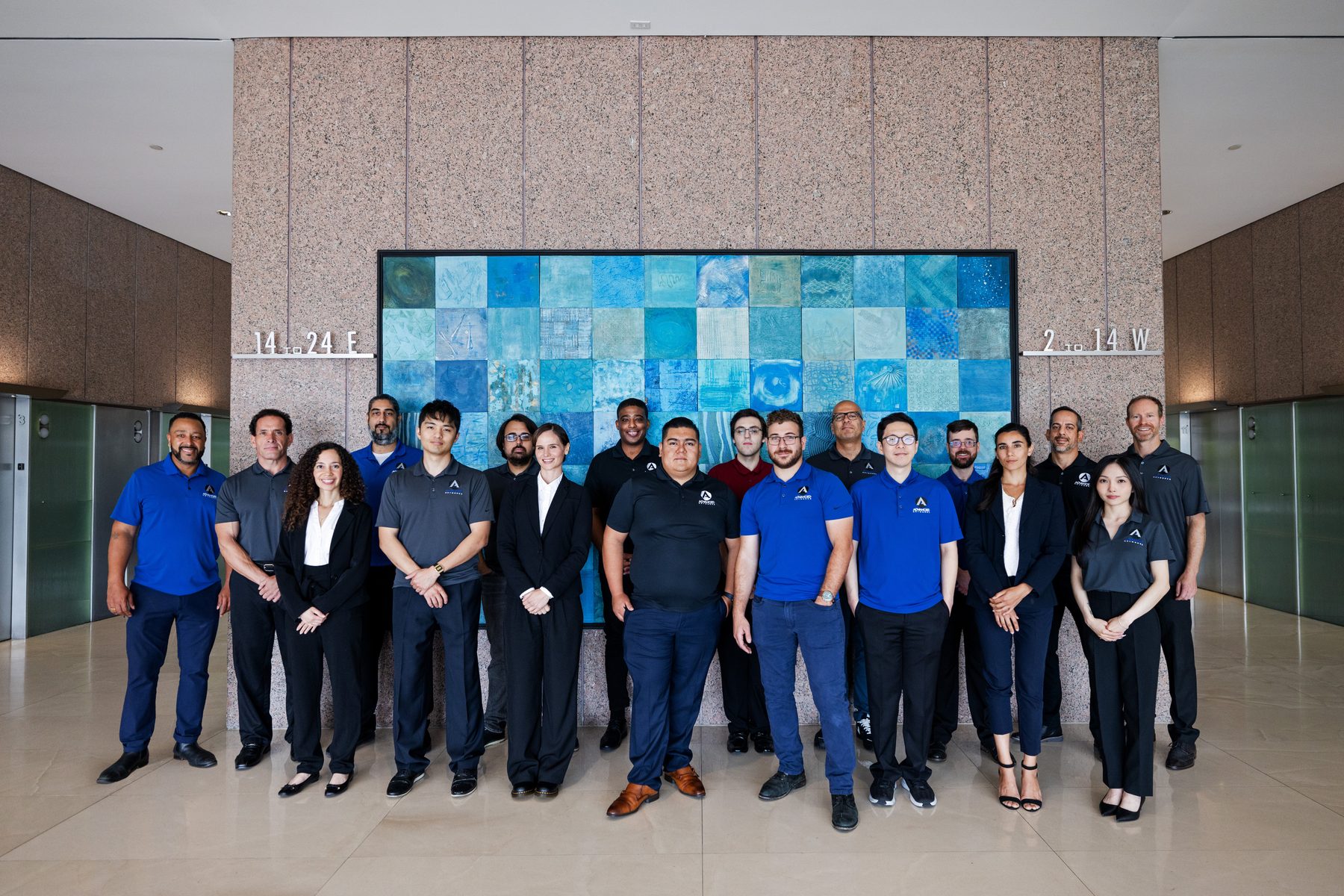
The same Los Angeles-based engineers behind our Advanced Shield™ platform harden tenants for businesses throughout LA, Orange County, and the Bay Area — so 365 security connects to your broader defenses instead of floating beside them.

  • Conditional Access architecture matched to how you work
  • Email authentication — SPF, DKIM, and DMARC — done right
  • Alerting wired to humans who respond, around the clock
  • Evidence your cyber-insurance carrier will accept
9/10
tenants we assess have MFA gapsFirst-Look Finding
2x
Secure Score lift in a typical engagementMeasured Hardening
15min
median response to identity alertsWatched Continuously
0
account takeovers on hardened tenantsThe Record
What We Deliver

Defense in Depth, Inside 365

Six layers of tenant security — configured, monitored, and kept current.

🚦
Conditional Access
Access decisions based on user, device, location, and risk — the policy engine that makes stolen passwords useless. Designed to protect work without strangling it.
🔑
MFA & identity protection
Phishing-resistant authentication rolled out company-wide, legacy protocols closed, and Entra ID risk signals acted on — because identity is where 365 breaches begin. See identity & access management.
📨
Email threat protection
Defender for Office 365 tuned for your mail flow: anti-phishing, safe links and attachments, and impersonation protection against the CEO-fraud emails your staff sees weekly.
📊
Secure Score program
Your tenant’s security posture as a tracked number — monthly reviews, prioritized remediations, and a paper trail that satisfies auditors and insurers.
🏷️
Data protection & compliance
Sensitivity labels, DLP, retention, and email encryption through Purview — aligned to compliance requirements from HIPAA to SOC 2.
🚨
Detection & response
Tenant alerts flow into 24/7 monitoring — and when something real fires, managed detection and response takes it from alert to contained.
The Patterns

How Tenants Get Breached

Six gaps behind the incident calls we take.

01
MFA enabled, not enforced
Registered for some users, required for none of the ones that matter.
02
Legacy auth still open
IMAP and POP quietly bypassing every modern control.
03
Standing admin privilege
Daily-driver accounts holding Global Admin, with no review and no expiry.
04
The silent forwarding rule
Attackers reading a mailbox for months via one inbox rule.
05
Alerts to an unwatched inbox
Defender flagged it; nobody was subscribed to hear it.
06
Secure Score as decoration
A 31% score sitting on the dashboard for two years, unremediated.
The Configuration

The Hardened Tenant, Piece by Piece

Every control below configured and maintained — not just switched on.

🚦
Conditional Access
Risk-based rules
🔑
MFA
Enforced everywhere
🚪
Legacy Auth
Closed for good
👑
Admin Roles
Least privilege
📨
Defender
Mail defended
🌐
SPF · DKIM · DMARC
Spoofing blocked
🏷️
Purview
Labels & DLP
📊
Secure Score
Tracked monthly
🔔
Alerting
Humans on call
🧾
Evidence
Insurer-ready
Real Outcomes

Caught, Contained, Documented

Security outcomes from tenants we manage.

01
The wire that didn’t leave
A controller received a flawless vendor-impersonation email approving new banking details. Impersonation protection flagged it, our desk verified by phone, and a six-figure transfer died in drafts.
02
32 to 84 in ninety days
A new client’s Secure Score sat at 32%. Three months of prioritized remediation — MFA enforcement, legacy-auth closure, Defender policies — more than doubled it, with every change logged for their insurer.
03
Login from nowhere
An impossible-travel alert fired at 2 a.m. on a partner’s account. Conditional Access had already blocked the session; we reset credentials and closed the report before her morning coffee.
Frequently Asked Questions

365 Security, Asked and Answered

The questions that follow “are we safe?”

Isn’t Microsoft 365 secure out of the box?
The infrastructure is; your configuration isn’t. Microsoft secures the service and hands you the controls — unconfigured. The gap between those two is where breaches happen.
We have MFA. Are we done?
MFA is the start. Without Conditional Access and legacy-protocol closure, attackers route around it — and MFA-fatigue attacks target users who approve without reading.
What is Secure Score, and should we care?
Microsoft’s built-in rating of your tenant’s security posture. It matters because it’s measurable: insurers ask for it, auditors like it, and it turns “more secure” into a number that moves.
Do we still need Defender if we have antivirus?
They protect different layers. Endpoint antivirus watches devices; Defender for Office 365 stops phishing, malicious links, and impersonation inside mail and Teams — where attacks actually arrive.
Can you satisfy our cyber-insurance requirements?
Usually, yes — MFA enforcement, managed detection, and documented controls map directly to carrier questionnaires. See our cyber insurance IT requirements guide.
Can Microsoft 365 encrypt sensitive email?
Yes — with policies that trigger automatically on content like SSNs or account numbers. We configure the rules, templates, and user experience so encryption happens without anyone remembering to click.

Go deeper: Microsoft 365 Managed Services · Intune Management · Advanced Shield™ · Managed Detection & Response · Cybersecurity Services

Get Started Today

Find the Gaps Before Someone Else Does

A free tenant security review benchmarks your Secure Score, MFA coverage, and top exposures — written findings within 24 hours.