Microsoft 365 Migration Services

📦 Moves Without Drama

Microsoft 365 Migration Services

Email, files, and identities moved to Microsoft 365 — from Exchange, Google Workspace, or another tenant — with a cutover your users barely notice.

  • A fixed migration plan and timeline before anything moves
  • Mail, calendars, and permissions arrive intact
  • Google Workspace conversions mapped app-by-app
  • Tenant-to-tenant mergers planned to the mailbox
  • Day-one onboarding so users start productive
⭐ 5.0 Google RatingMicrosoft PartnerSOC 2 Ready24/7 Live SupportMSP 501 Top 50

Free IT Assessment

No obligation. We evaluate your environment and deliver a clear action plan within 24 hours.

20+Years in Business
8minAvg. Response Time
99.9%Uptime Guarantee
0hrsContracted Downtime
#36MSP 501 Nationally
#4MSP in California
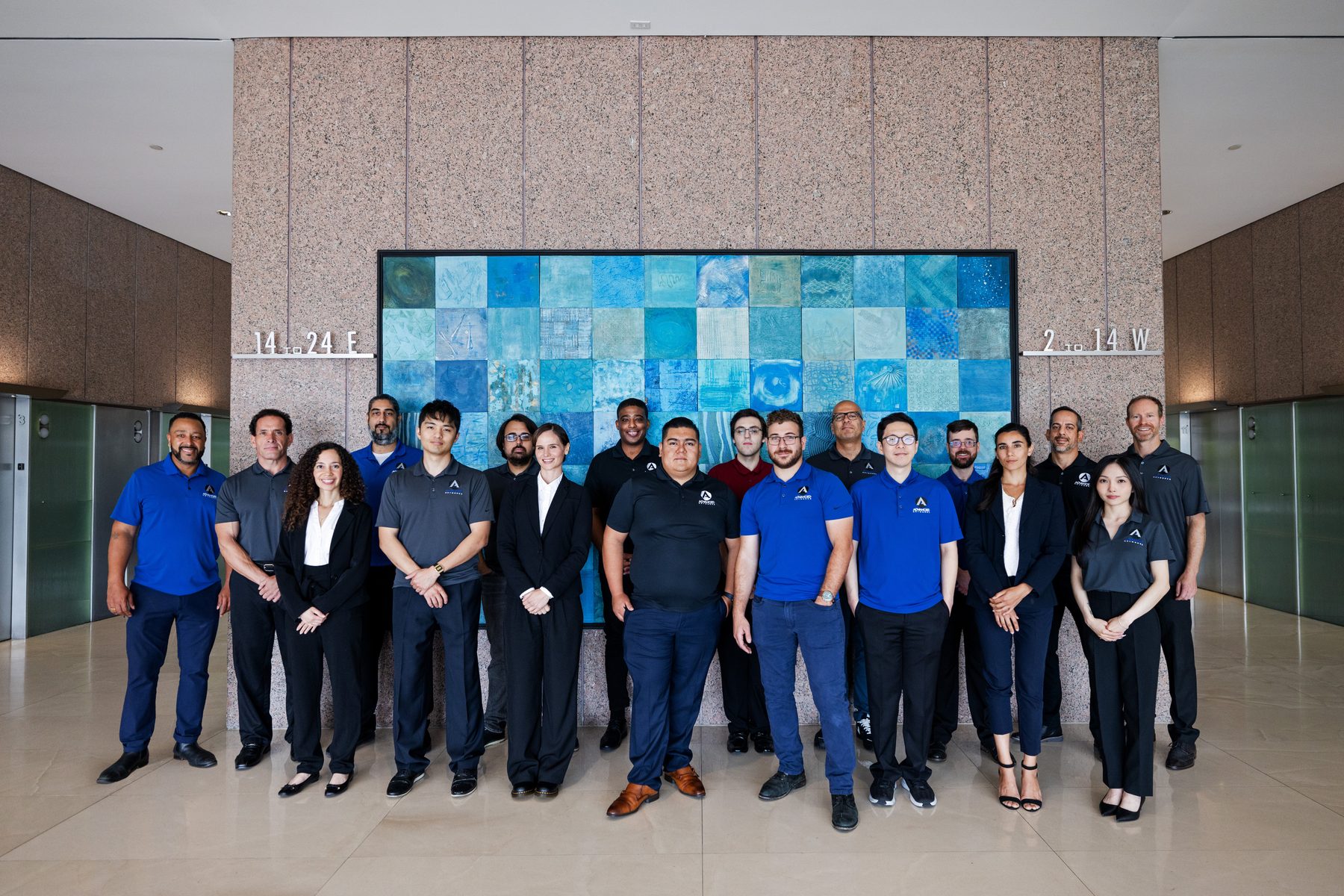
Local Crew — Advanced Networks

Local Crew
California-based, no offshoring
Backup & Recovery — Advanced Networks

Backup & Recovery
Restores proven, not promised
24/7 Monitoring — Advanced Networks

24/7 Monitoring
Issues caught before tickets
The Move That Sticks

Migrations Fail in the Plan, Not the Copy

Copying mailboxes is a solved problem. What goes wrong is everything around it: the shared mailbox nobody listed, the alias that stops routing, the DNS record flipped at 2 p.m. instead of 2 a.m., the ERP quietly sending invoices through the old server. Advanced Networks has moved organizations to Microsoft 365 from on-premises Exchange, hosted email, Google Workspace, and rival tenants — and every one of those projects starts with discovery, not data.

From our Los Angeles headquarters and offices in Orange County and San Francisco, we run migrations for businesses across Southern California and the Bay Area — with engineers on the cutover, not a script.

  • Discovery that finds every mailbox, alias, and connected app
  • A pilot group proves the plan before the company follows
  • Cutover scheduled around your business calendar, not ours
  • Hypercare week: real humans answering day-one questions
0
mailboxes left behind on our cutoversComplete Moves
1
weekend for most sub-100-seat movesTypical Window
2
platforms running in parallel during coexistenceNo Mail Gap
7
days of hypercare after every go-liveLanding Support
What We Deliver

Every Source, One Destination

Five migration paths we run routinely — and the planning that makes them boring.

📤
Exchange & hosted email
On-premises Exchange, hosted Exchange, GoDaddy, IMAP — mailboxes, archives, and PSTs brought into Exchange Online with mail flow verified at every step.
🔄
Google Workspace to Microsoft 365
Gmail, Drive, Calendar, and Groups converted with sharing intact — plus side-by-side training for teams leaving the Google interface behind.
🏢
Tenant-to-tenant migration
Mergers, acquisitions, and spin-offs: two tenants become one, with domains, identities, and data mapped mailbox-by-mailbox and a rollback plan at every stage.
📁
File shares into the cloud
Shared drives staged into SharePoint and OneDrive as part of the same move — with architecture from our SharePoint consulting team, not a bulk dump.
🗓️
Cutover & coexistence planning
Pilot groups, staged batches or clean cutover, DNS choreography, and a tested rollback — decided in writing before migration night.
🧑‍🏫
User onboarding
Profiles configured, Outlook and Teams signed in, quick-reference guides issued, and a hypercare channel for week one — adoption is part of the project.
The Patterns

How Migrations Go Sideways

Six failure modes we plan out of every project.

01
Big-bang with no pilot
The whole company moves at once — and finds the problems together.
02
The forgotten mailboxes
Shared inboxes, aliases, and service accounts discovered after cutover.
03
DNS as an afterthought
TTLs never lowered, records flipped mid-business-day, mail bouncing for hours.
04
PST archaeology ignored
Years of local archives left behind on aging laptops.
05
Apps still pointing at the old server
Scanners, ERPs, and CRMs silently failing to send for weeks.
06
Go-live with no support plan
Users left to figure out new profiles alone on Monday morning.
The Configuration

The Migration Runbook, Line by Line

Ten workstreams in every plan we write.

🔍
Discovery
Every mailbox found
🪪
Identity Mapping
Accounts & aliases
🧪
Pilot Group
Proof before scale
📧
Mail Flow
MX choreography
📁
Files & Shares
Permissions kept
🗓️
Calendars
Invites survive
🔗
Connected Apps
Repointed on time
🌐
DNS
TTLs staged
🛟
Rollback Plan
Tested, unused
🧑‍🏫
Hypercare
Week-one help
Real Outcomes

Three Moves, Zero Meltdowns

Recent migrations run from LA, Orange County, and SF.

01
Google to 365 over one weekend
A 60-person creative agency left Google Workspace on a Friday and opened Outlook on Monday — mail, calendars, and Drive content mapped, with a two-week Gmail fallback nobody ended up needing.
02
Two tenants, one company
An acquisition left a client running parallel tenants for a year. We merged domains, mailboxes, and Teams into one tenant across three staged weekends — invoicing and mail flow never blinked.
03
Exchange 2013’s last day
A firm running end-of-life Exchange in a closet moved to Exchange Online days before their cyber-insurance renewal required it — archives included, server decommissioned.
Frequently Asked Questions

Migration Questions, Answered Straight

The things every team asks before a move.

How long does a Microsoft 365 migration take?
Planning typically runs one to three weeks; the move itself is usually a weekend for small and mid-sized companies. Tenant merges and large file estates run in stages. You get a dated plan before we start.
Will email go down during the cutover?
No. Coexistence and DNS staging keep mail flowing to one platform or the other throughout — the switch is a controlled handoff, not an outage.
What happens to our Google Drive sharing and calendars?
They’re mapped, not abandoned — Drive permissions translate to OneDrive and SharePoint sharing, and calendars move with invites and recurring meetings intact.
Can you merge tenants after an acquisition?
Yes — tenant-to-tenant migration is a core service. Domains, identities, mail, files, and Teams consolidate on a staged timeline that keeps both businesses operating.
Do our people need training on the new tools?
We include onboarding: signed-in profiles, quick-start guides, and a hypercare week. Teams switching from Google get side-by-side references for the first month.
How is a migration priced?
Fixed-fee, quoted from discovery — sized by mailboxes and data volume, with the plan, cutover, and hypercare included. No hourly meter running on migration night.

Go deeper: Microsoft 365 Managed Services · SharePoint Consulting & Migration · Microsoft 365 Security · Backup & Disaster Recovery

Get Started Today

Your Move, Planned to the Mailbox

Get a free migration assessment — sources, risks, timeline, and a fixed price, mapped before you commit to anything.