Microsoft Teams Consulting

📞 Calls, Meetings, and Order

Microsoft Teams Consulting

Teams as your phone system, your meeting rooms, and your collaboration hub — architected and governed so it stays useful long past the honeymoon.

  • Teams Phone replaces the PBX — your numbers come along
  • Auto attendants and call queues that route like you operate
  • Meeting rooms that join with one tap
  • A team and channel structure people can navigate
  • Guest access that’s open for clients, closed for chaos
⭐ 5.0 Google RatingMicrosoft PartnerSOC 2 Ready24/7 Live SupportMSP 501 Top 50

Free IT Assessment

No obligation. We evaluate your environment and deliver a clear action plan within 24 hours.

20+Years in Business
8minAvg. Response Time
99.9%Uptime Guarantee
0hrsContracted Downtime
#36MSP 501 Nationally
#4MSP in California
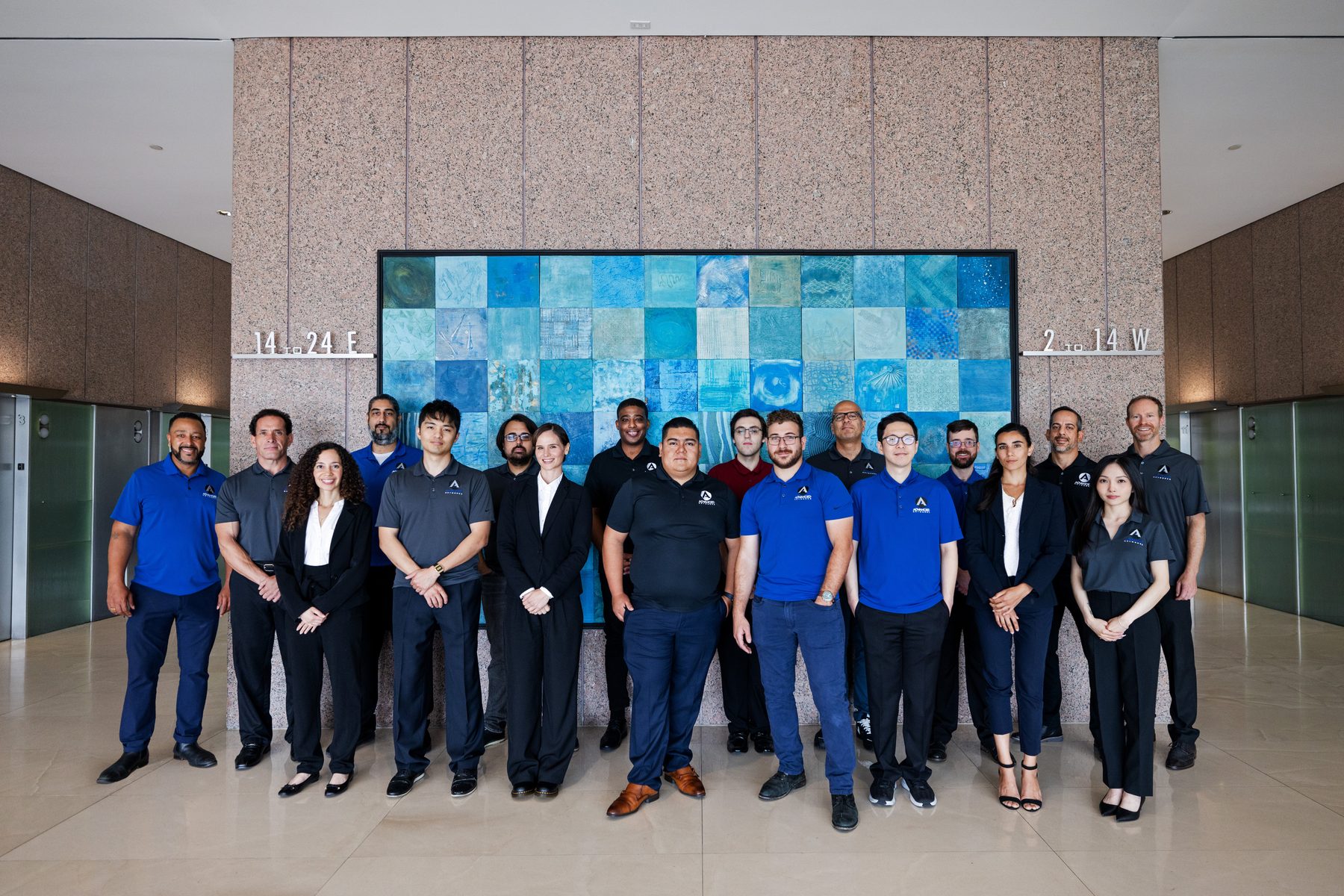
Local Crew — Advanced Networks

Local Crew
California-based, no offshoring
Backup & Recovery — Advanced Networks

Backup & Recovery
Restores proven, not promised
24/7 Monitoring — Advanced Networks

24/7 Monitoring
Issues caught before tickets
One Workspace

Teams Isn’t an App. It’s Your Office Now.

Somewhere between 2020 and now, Teams became the room where your company happens — meetings, calls, decisions, and files all live there. Most organizations never designed any of it: teams multiplied, channels sprawled, the PBX contract auto-renewed out of habit, and the conference room still takes five minutes to start a call. Advanced Networks architects Teams deliberately — voice, meetings, structure, and governance — so the tool your people live in works like it was chosen on purpose.

From Los Angeles, Orange County, and San Francisco, we run Teams voice and collaboration for organizations whose “office” is now half conference room, half kitchen table.

  • Teams Phone with number porting and E911 done right
  • Call flows — auto attendants, queues, and voicemail routing
  • Teams Rooms hardware for the spaces you actually meet in
  • Lifecycle policies that keep team sprawl from returning
82
numbers ported in our largest single cutoverPBX, Retired
1
app for chat, meetings, and callingConsolidation
10sec
to join a meeting from a Teams RoomOne-Touch Start
60
active teams left after a 400-team cleanupFindability
What We Deliver

Voice, Rooms, and Structure

The six pieces of a Teams environment built to last.

☎️
Teams Phone deployment
Your phone system moves into Teams: numbers ported, calling plans or Operator Connect selected, desk phones where wanted — and the PBX contract finally ends.
🔀
Call flow design
Auto attendants, call queues, business hours, holiday routing, and voicemail-to-email — engineered around how customers actually reach you.
🎥
Meetings & Teams Rooms
Conference rooms with one-touch join, cameras that frame the room, and audio nobody fights — certified hardware selected, installed, and managed.
🧭
Team & channel architecture
A structure with logic: naming standards, ownership, archiving, and templates — so finding a conversation doesn’t require asking one.
🚪
External access & governance
Guest policies that let clients into projects without opening the whole tenant — plus meeting, recording, and retention policies matched to your compliance needs.
📈
Adoption & call quality
Training, champions, and rollout comms — then ongoing QoS monitoring with our network support team so calls stay crisp.
The Patterns

Where Teams Deployments Lose the Plot

Six patterns from Teams cleanups we’ve run.

01
A team for everything
Four hundred teams, forty active, findability zero.
02
The PBX kept “just in case”
Two phone bills, split call history, one confused front desk.
03
Guest access by coin flip
Wide open in one department, banned outright in another.
04
Meetings that start late
Five minutes of cable roulette before every conference call.
05
Conversations without a record
Decisions made in chats nobody can retrieve or govern.
06
Voice on a guessed network
Calling launched with no QoS — quality left to luck.
The Configuration

The Teams Build-Out, Component by Component

Everything configured in a full engagement.

☎️
Teams Phone
PBX replaced
🔢
Number Porting
Numbers kept
🚦
Call Queues
Routed right
🤖
Auto Attendant
After-hours too
🎥
Teams Rooms
One-touch join
🎧
Devices
Headsets & handsets
🧭
Team Structure
Named & owned
🚪
Guest Policy
Controlled access
🗄️
Retention
Chats governed
📊
Call Analytics
Quality watched
Real Outcomes

Deployments That Stuck

Teams engagements from LA to the Bay.

01
The PBX funeral
A 70-seat professional firm was paying maintenance on an aging phone system while their licenses already included calling capability. We ported 82 numbers, built the call tree, and ended the last PBX invoice — savings covered the desk phones in four months.
02
400 teams became 60
A nonprofit’s tenant had accumulated 400 teams in three years. Archiving, naming standards, and lifecycle policies brought it to 60 active — and search started returning answers instead of archaeology.
03
Rooms people stopped avoiding
A client’s hybrid meetings meant laptops balanced on chairs. Three Teams Rooms with one-touch join later, their all-hands runs on time and remote staff can finally hear the room.
Frequently Asked Questions

Teams and Teams Phone, Answered

What operations leaders ask before going all-in.

Can Teams really replace our phone system?
For most businesses, completely — calls, queues, auto attendants, and desk phones all run on Teams Phone. Contact-center-grade needs get an integrated solution; we’ll scope which you need.
Do we keep our phone numbers?
Yes. Porting is standard — main lines, direct dials, and toll-free numbers move to Teams, usually with a cutover callers never notice.
What does Teams Phone cost compared to a PBX?
Typically well under legacy per-line pricing once maintenance contracts and hardware refreshes are counted. We’ll price it against your current bill, line by line.
How do we stop chat-and-channel sprawl?
Governance: naming conventions, owners, expiration, and templates enforced by policy rather than memo. Structure holds when the tenant maintains it for you.
Can clients join meetings and projects without licenses?
Yes — guests join meetings from a browser with no account, and external partners can be invited into specific teams with access that ends when the project does.
Our video calls stutter. Is that Teams or our network?
Usually the network — and Teams’ analytics tell us exactly which. Call-quality data plus a QoS review of your switches and Wi-Fi finds it; both are things we fix.

Go deeper: Microsoft 365 Managed Services · SharePoint Consulting · Copilot Consulting · Network Support

Get Started Today

Make Teams Feel Deliberate

A free Teams review covers your phone bill, meeting rooms, and tenant structure — with the savings math in writing within 24 hours.